Capturing and Querying Fixings
How to record a market fixing in the OpenTRMS Workbench and find it again afterwards.
Transcript1m 19s
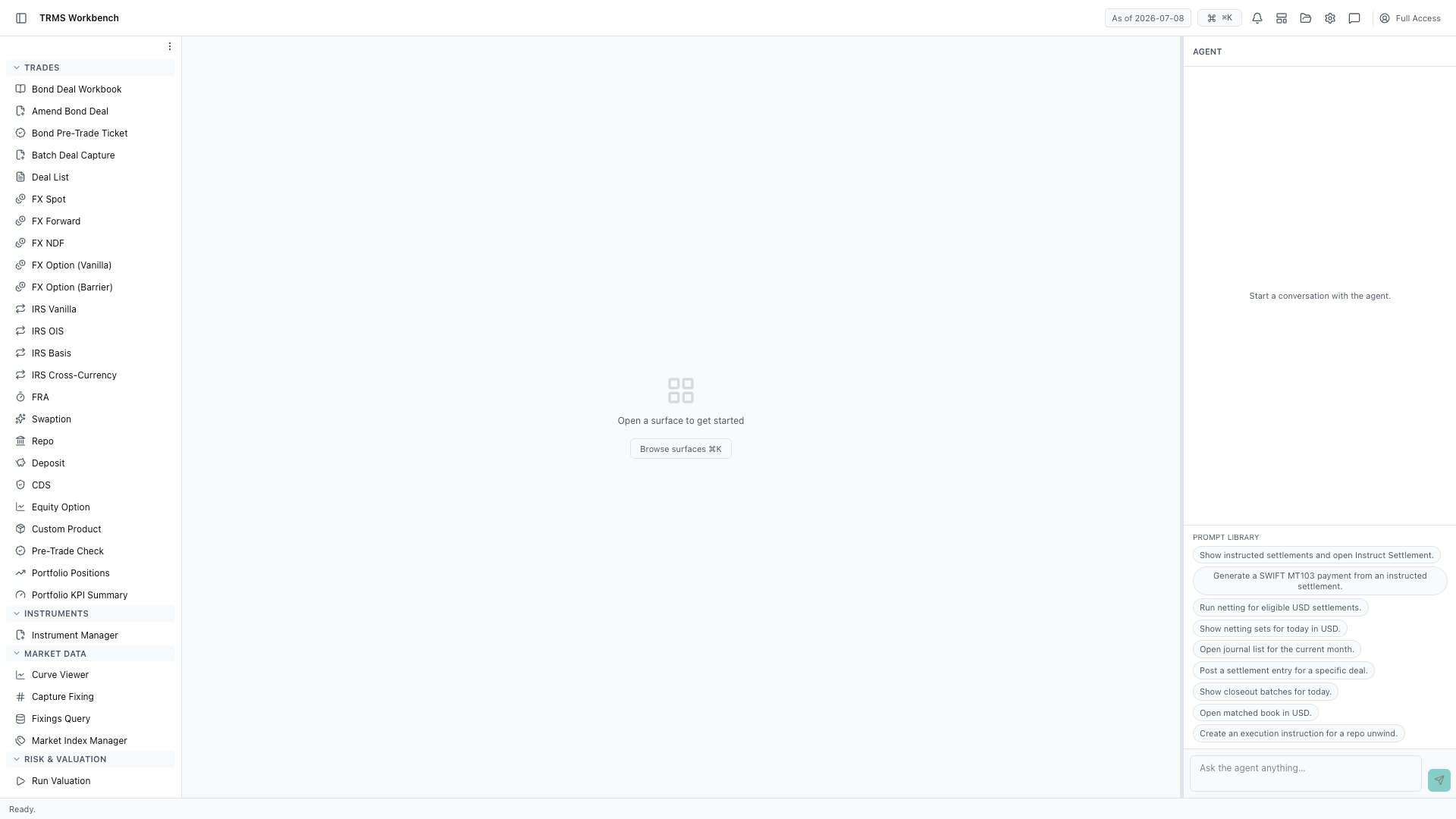
In this walkthrough we'll record a market fixing and query the ones already captured, in the OpenTRMS Workbench.
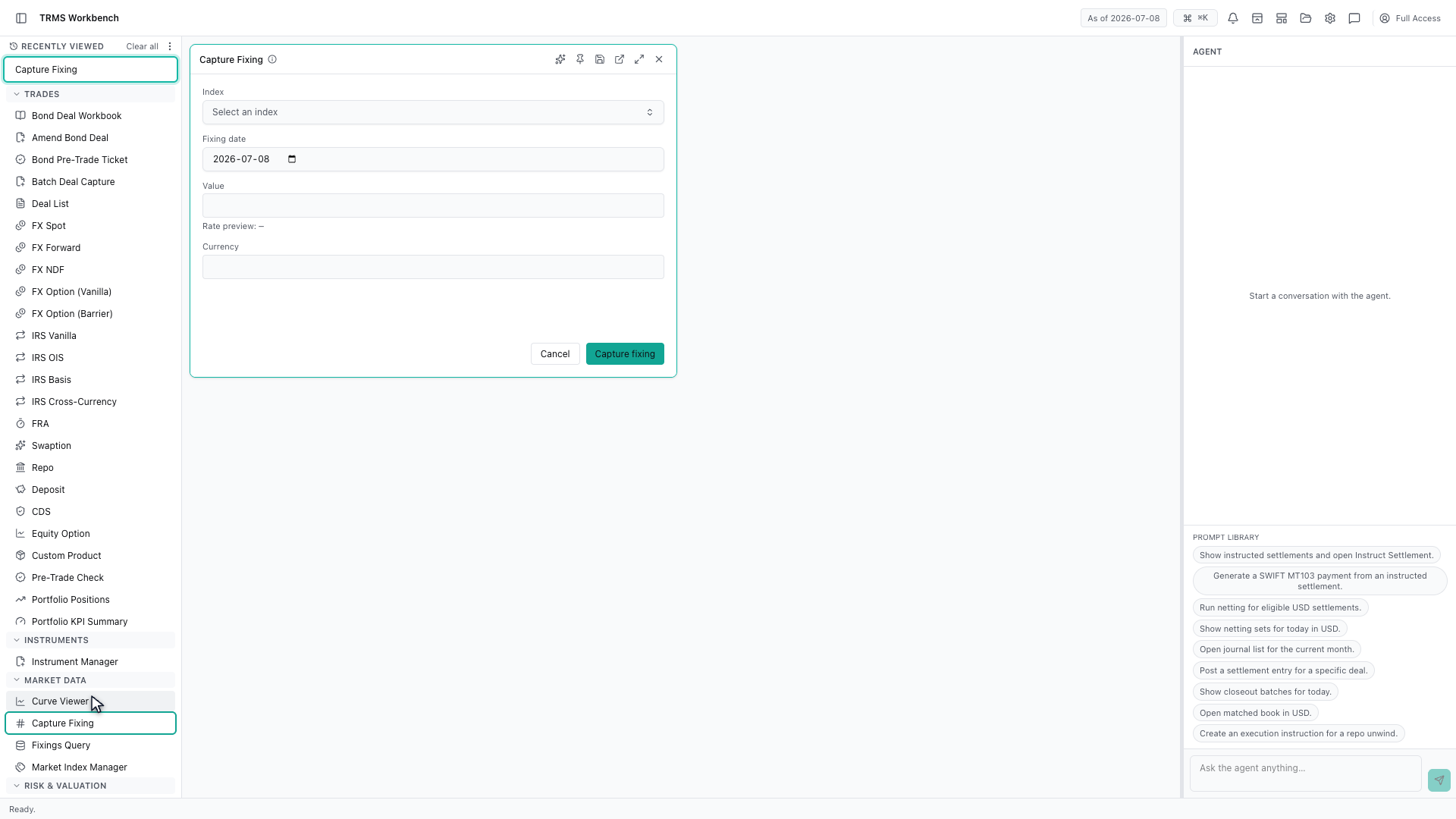
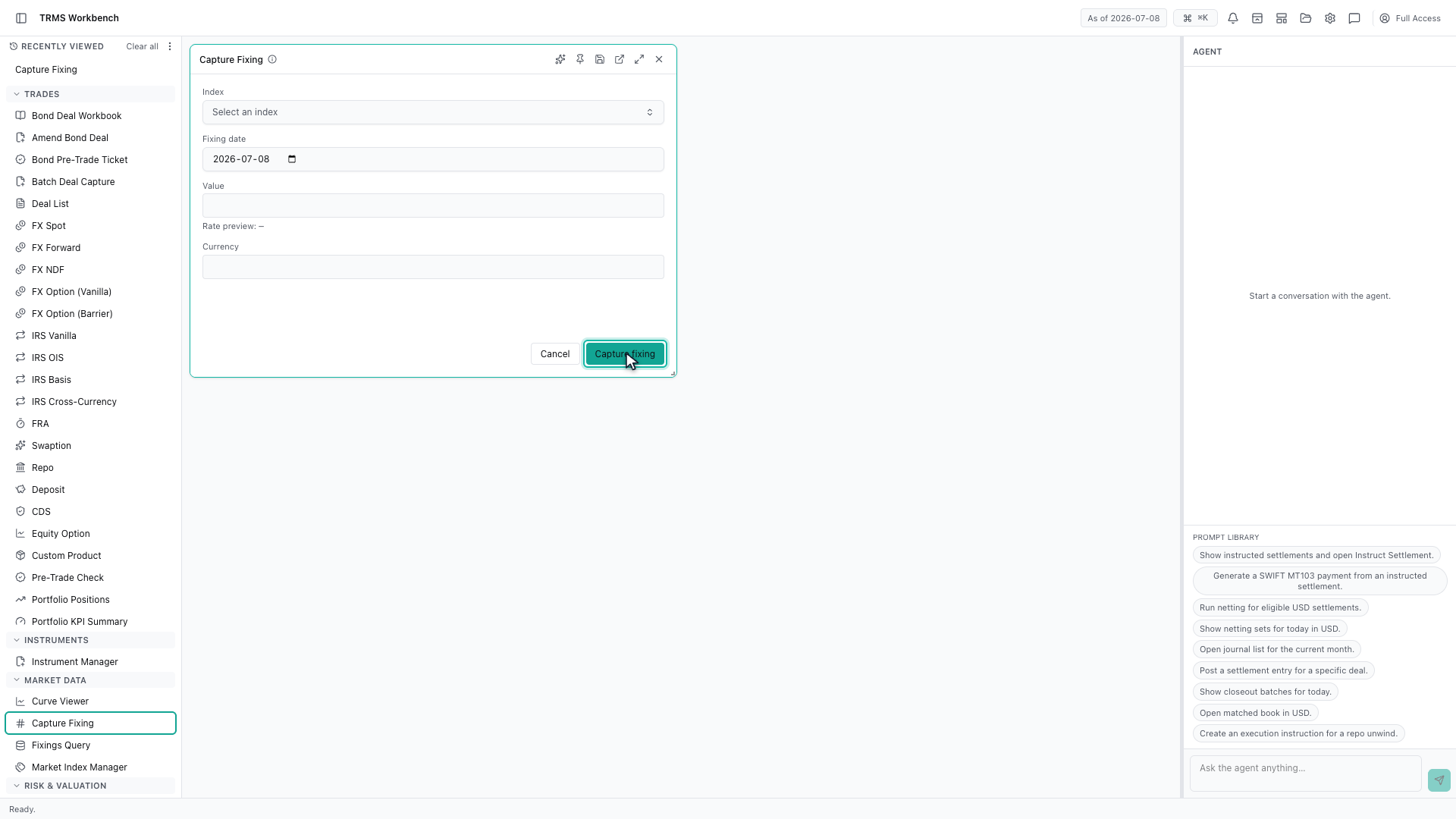
A fixing is a market rate recorded at a point in time. Capture Fixing is where one is entered by hand, when it has not arrived from a feed.
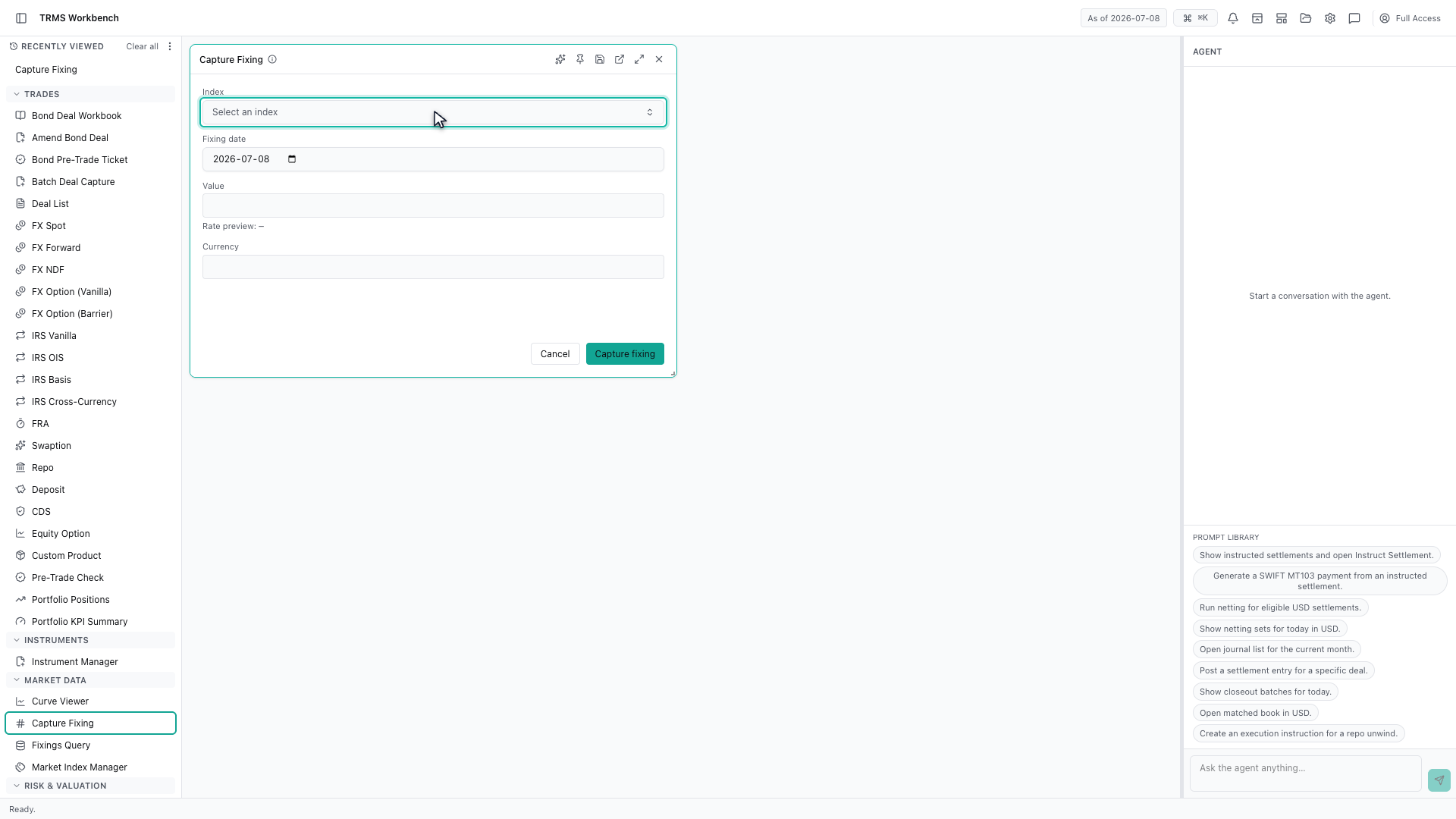
The index comes first, because it decides what the value means and which currency it is quoted in.
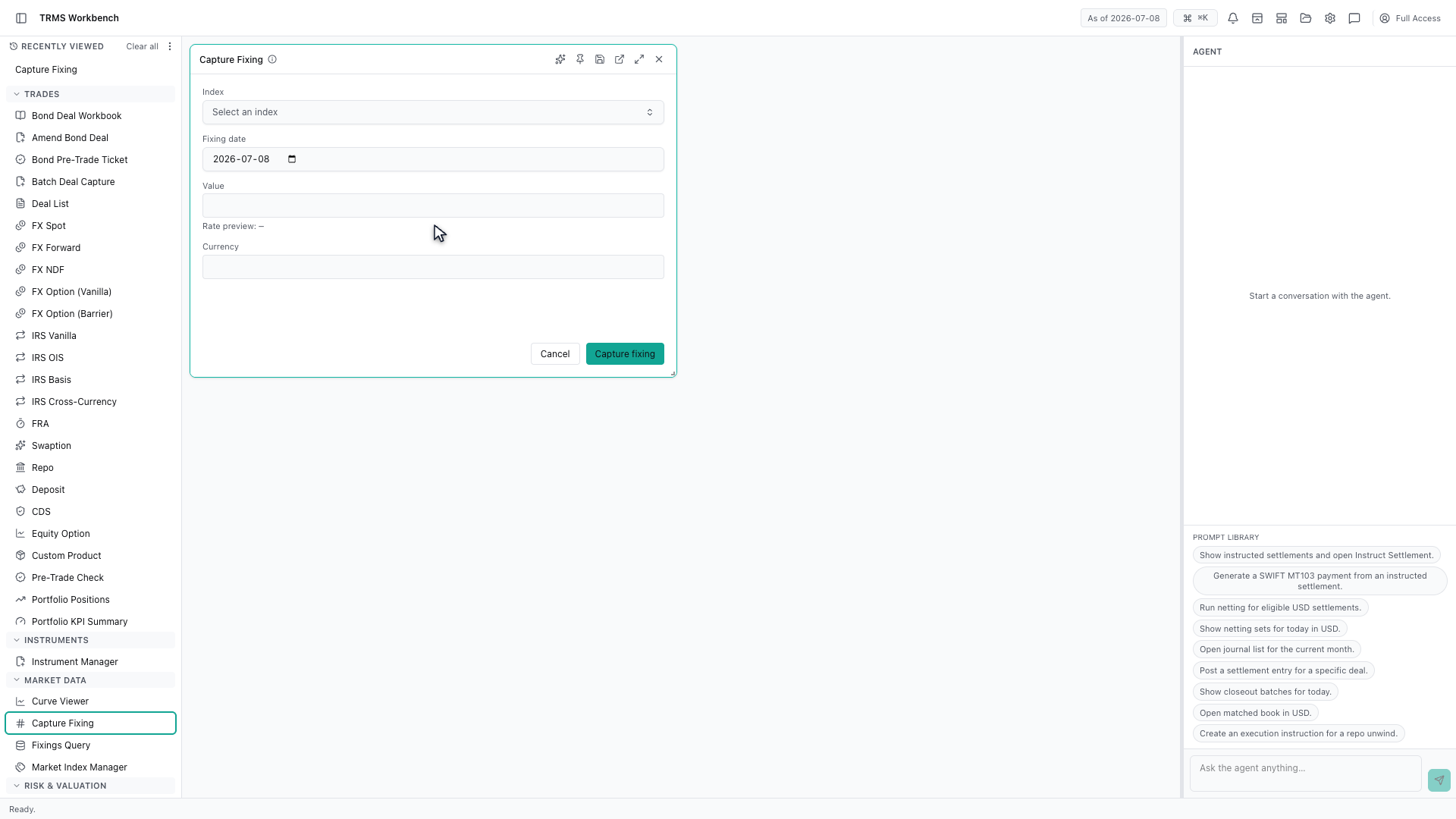
Then the date the rate applies to, and the rate itself. A fixing is always tied to a single day — that is what makes it a fixing rather than a forecast.
The rate preview underneath shows how the value will be interpreted before you commit it, which catches the common mistake of entering a percentage where a decimal was expected.
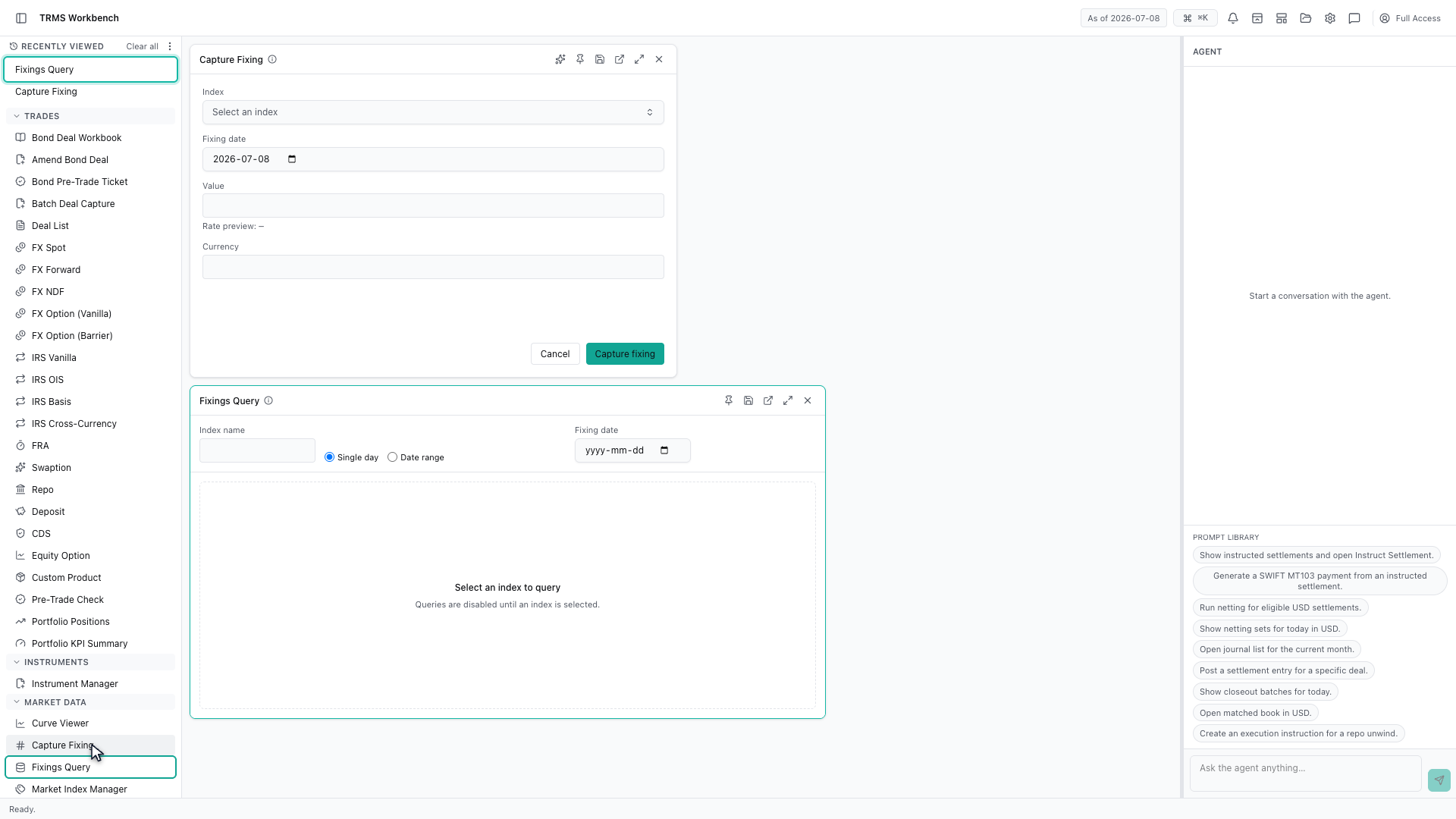
Fixings Query is the other half. It searches what has already been captured, for a single day or across a range.
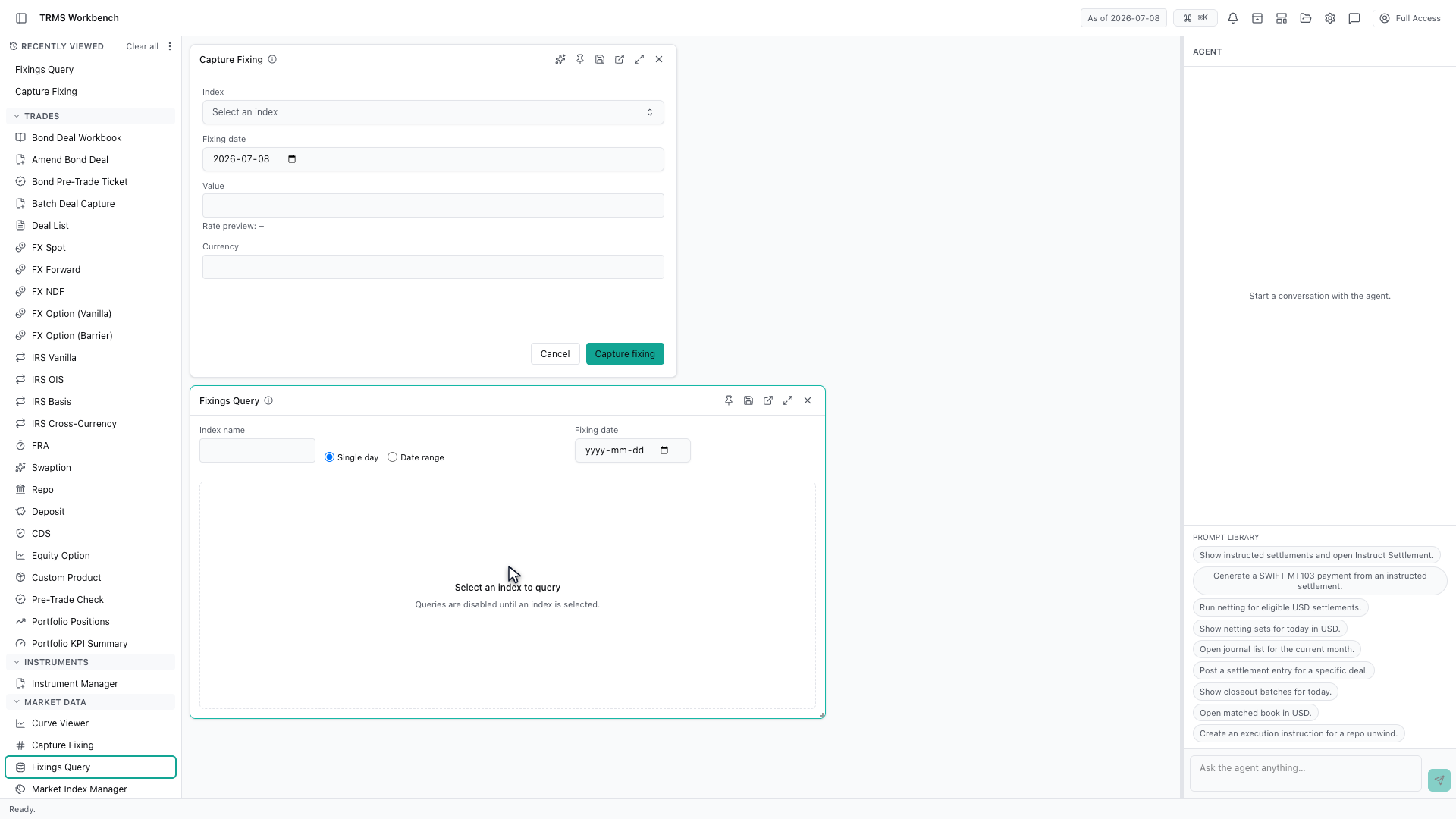
It stays disabled until an index is chosen. That is deliberate: a query across every index at once would return far too much to be useful, so the surface asks you to narrow it first.
That completes Capturing and Querying Fixings. Every surface shown here can also be opened from the agent panel on the right, by asking for it in plain English.
1. Open the Workbench
In this walkthrough we'll record a market fixing and query the ones already captured, in the OpenTRMS Workbench.
2. Open Capture Fixing
A fixing is a market rate recorded at a point in time. Capture Fixing is where one is entered by hand, when it has not arrived from a feed.
3. Choose the index
The index comes first, because it decides what the value means and which currency it is quoted in.
4. Date and value
Then the date the rate applies to, and the rate itself. A fixing is always tied to a single day — that is what makes it a fixing rather than a forecast.
5. Check the preview before committing
The rate preview underneath shows how the value will be interpreted before you commit it, which catches the common mistake of entering a percentage where a decimal was expected.
6. Open Fixings Query
Fixings Query is the other half. It searches what has already been captured, for a single day or across a range.
7. Narrow the query first
It stays disabled until an index is chosen. That is deliberate: a query across every index at once would return far too much to be useful, so the surface asks you to narrow it first.
8. Next steps
That completes Capturing and Querying Fixings. Every surface shown here can also be opened from the agent panel on the right, by asking for it in plain English.