Valuing a Deal
How to value a single deal in the OpenTRMS Workbench — as-of dating, curve sets, and the component breakdown behind the number.
Transcript1m 20s
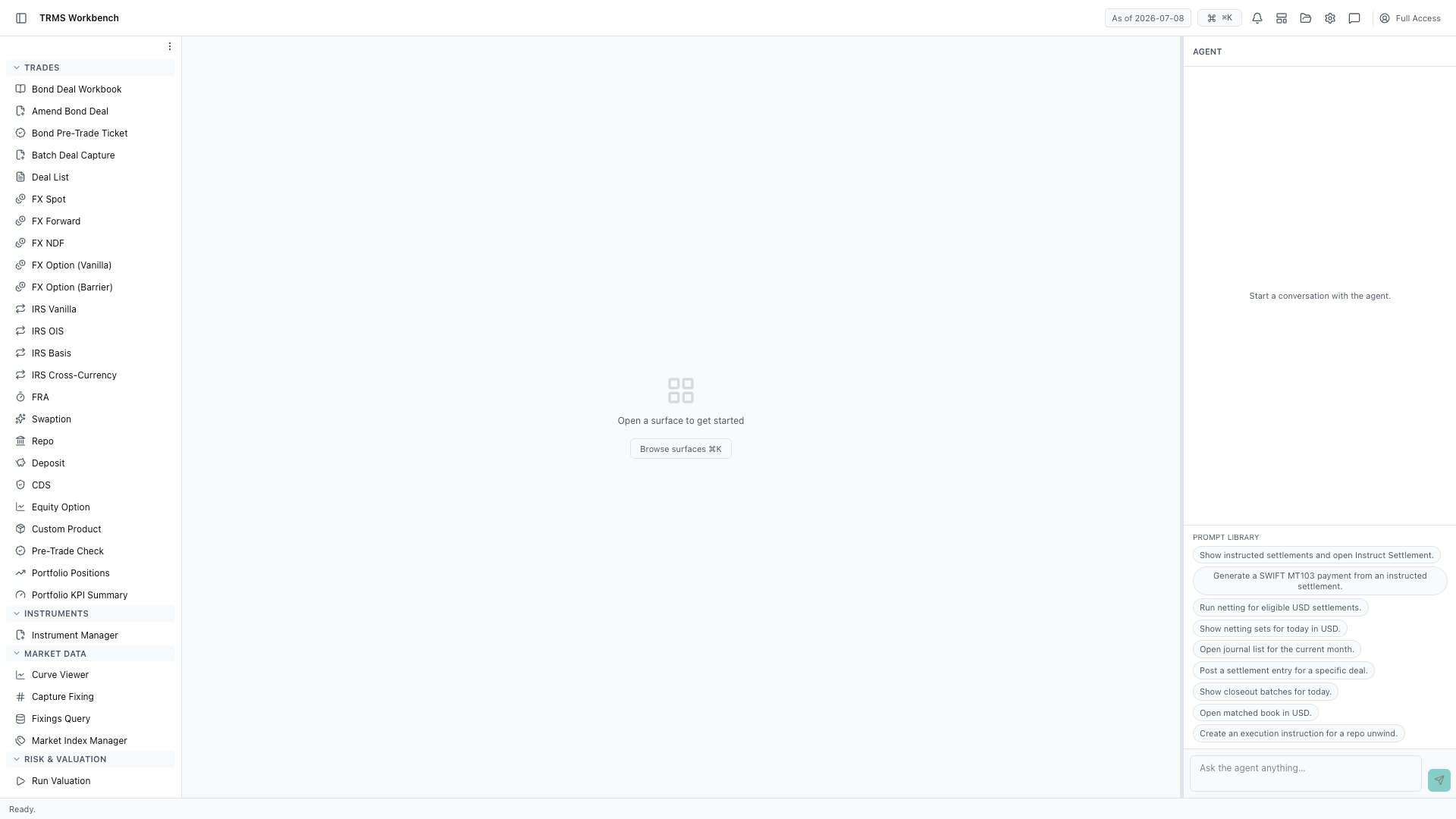
In this walkthrough we'll value a single deal and see the components behind the number, in the OpenTRMS Workbench.
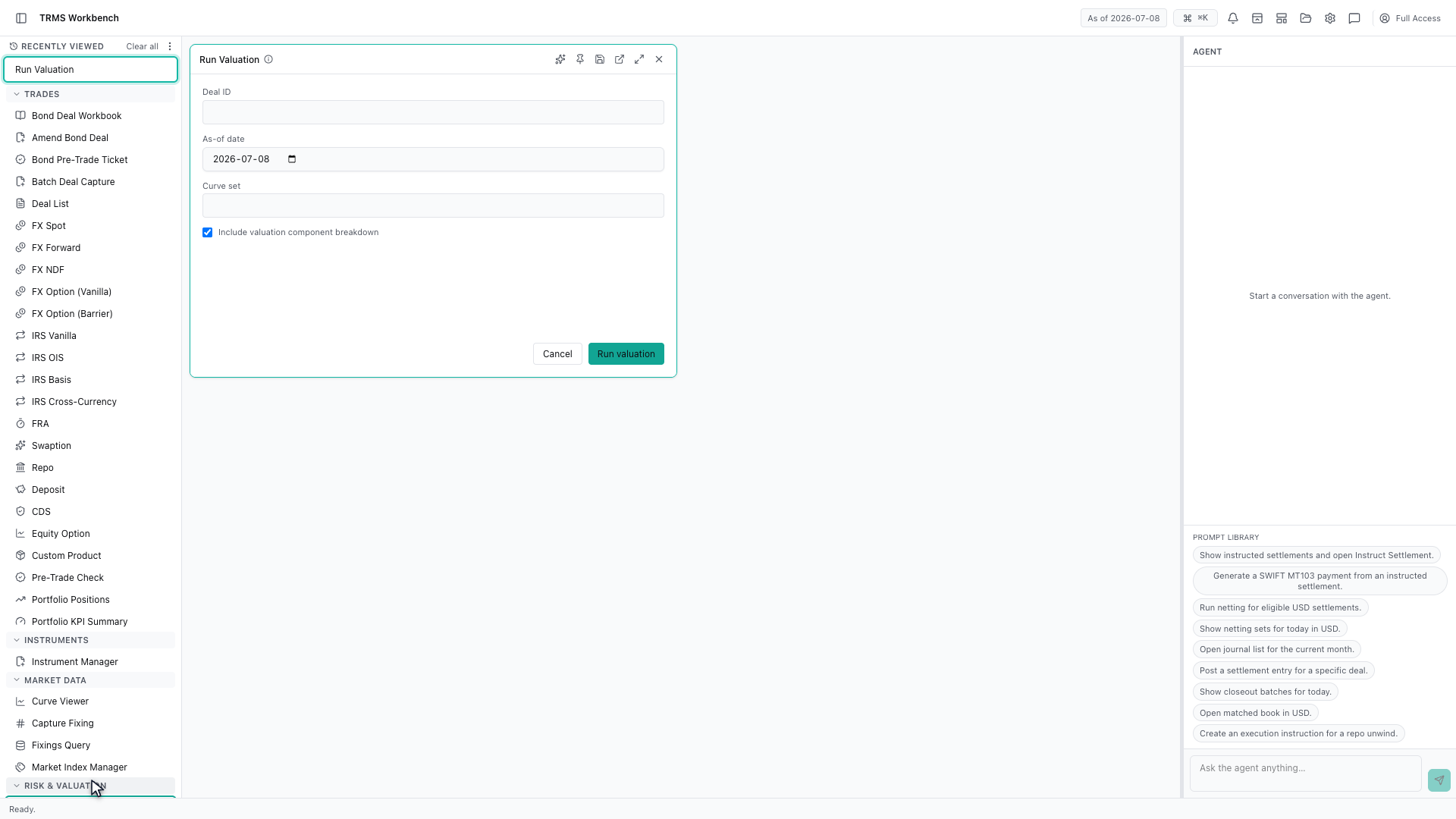
Run Valuation prices one deal on demand. It is the surface to reach for when a number on a position looks wrong and you want to see how it was arrived at.
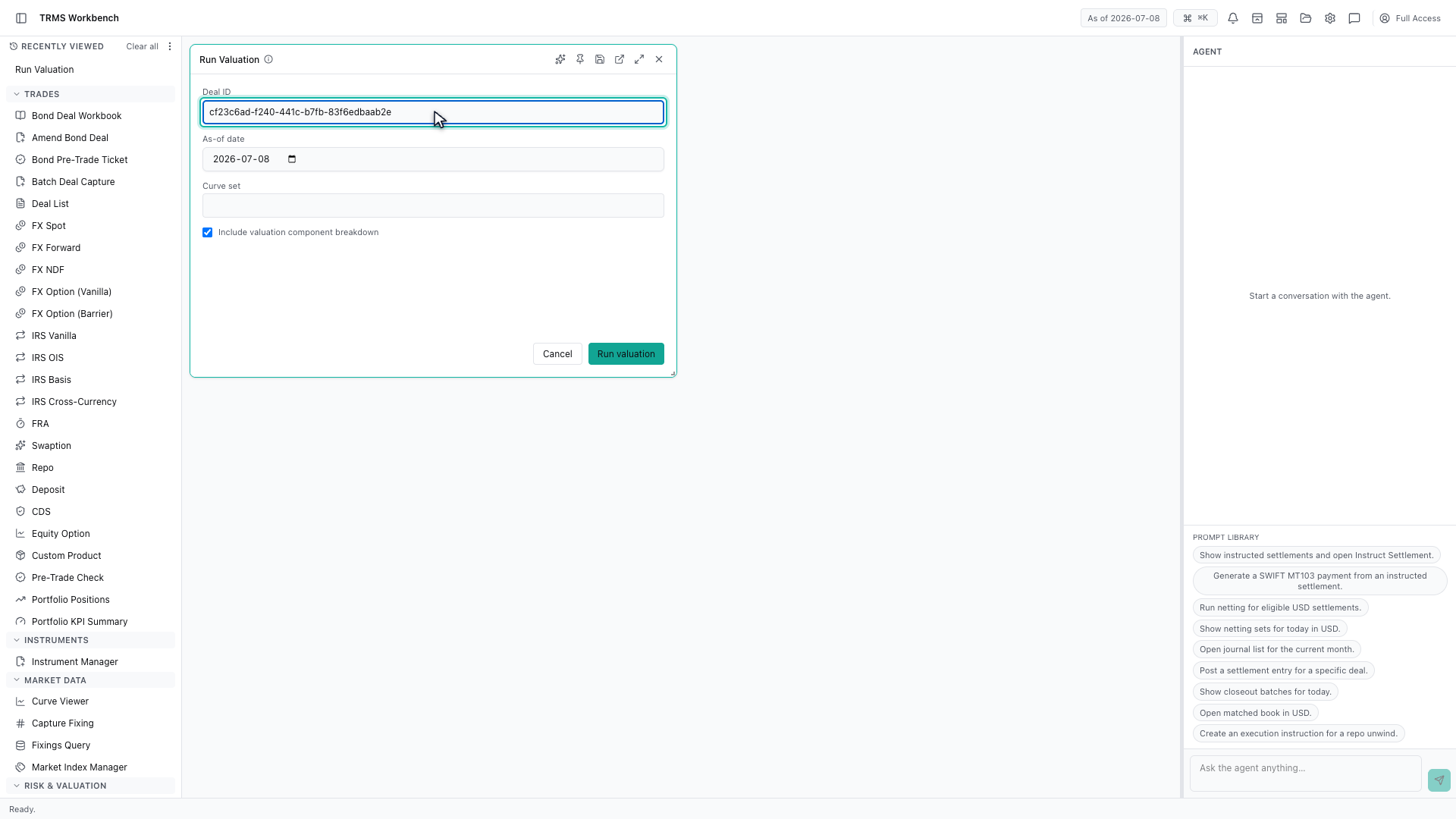
It takes a deal identifier. Every deal in the Workbench carries one, and you can copy it from the blotter or from a deal panel.
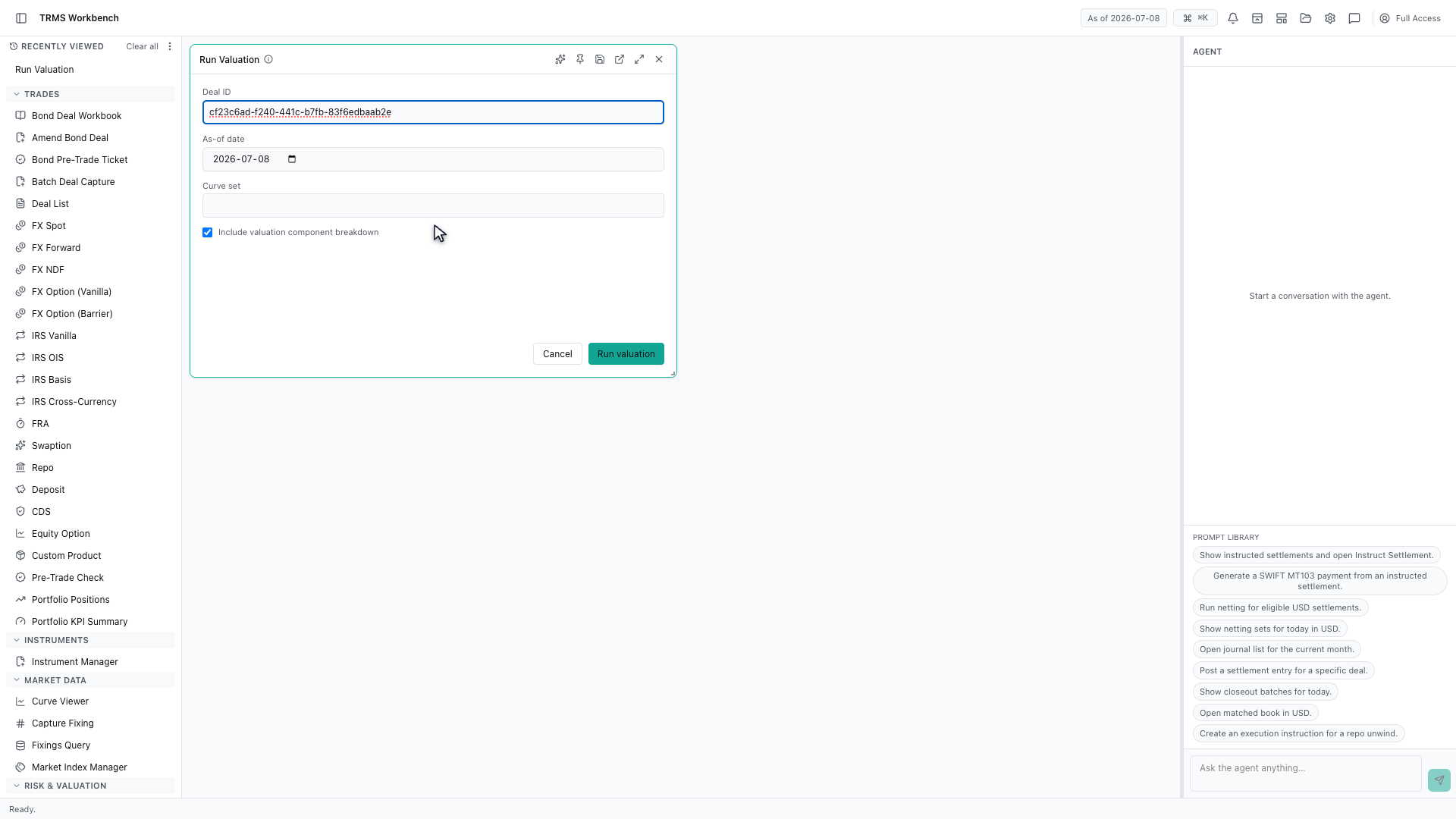
The as-of date matters as much as the deal. Valuing the same trade on two dates gives two answers, because the market data behind it moved.
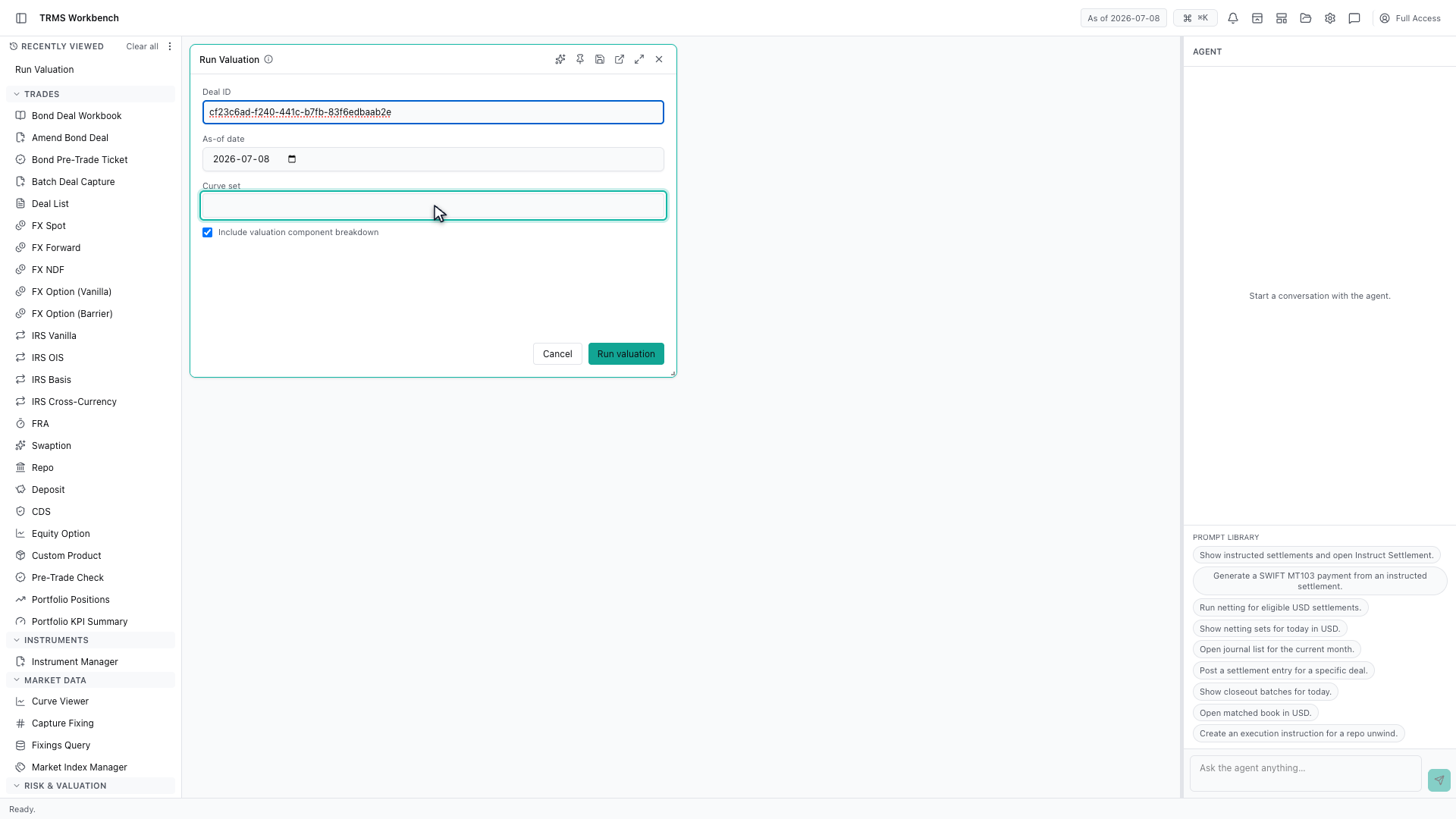
The curve set decides which market data is used. Leaving it empty takes the default set, which is what most valuations should use.
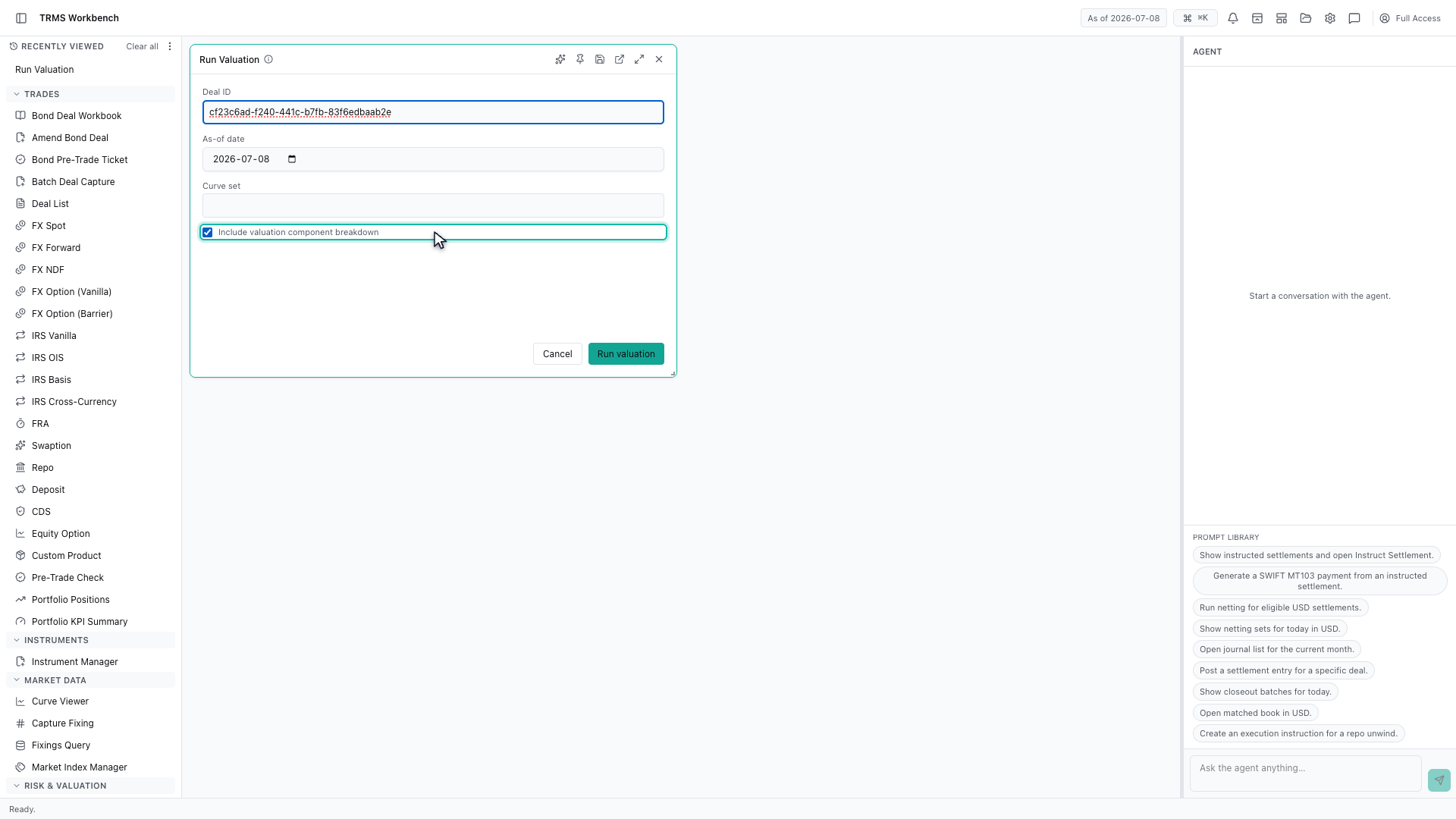
Asking for the component breakdown is worth doing. Without it you get one number; with it you get the parts that made it, which is what you need when you are checking rather than reporting.
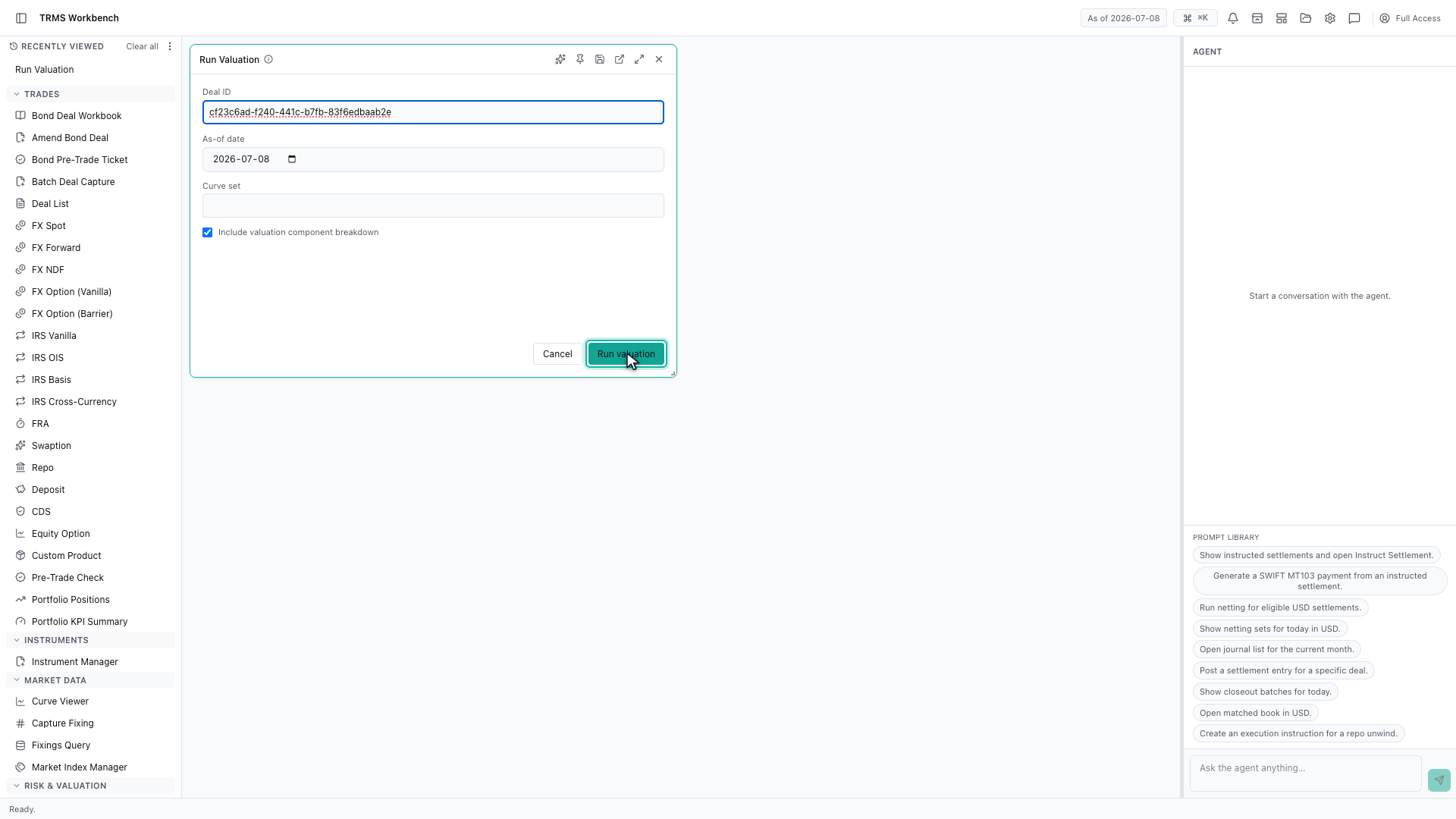
Run valuation submits it. The breakdown opens as its own panel beside the form, so the inputs can be adjusted and the valuation run again without losing what is already on screen.
That completes Valuing a Deal. Every surface shown here can also be opened from the agent panel on the right, by asking for it in plain English.
1. Open the Workbench
In this walkthrough we'll value a single deal and see the components behind the number, in the OpenTRMS Workbench.
2. Open Run Valuation
Run Valuation prices one deal on demand. It is the surface to reach for when a number on a position looks wrong and you want to see how it was arrived at.
3. Identify the deal
It takes a deal identifier. Every deal in the Workbench carries one, and you can copy it from the blotter or from a deal panel.
4. Value it as of a date
The as-of date matters as much as the deal. Valuing the same trade on two dates gives two answers, because the market data behind it moved.
5. Choose the curve set
The curve set decides which market data is used. Leaving it empty takes the default set, which is what most valuations should use.
6. Ask for the breakdown
Asking for the component breakdown is worth doing. Without it you get one number; with it you get the parts that made it, which is what you need when you are checking rather than reporting.
7. Run the valuation
Run valuation submits it. The breakdown opens as its own panel beside the form, so the inputs can be adjusted and the valuation run again without losing what is already on screen.
8. Next steps
That completes Valuing a Deal. Every surface shown here can also be opened from the agent panel on the right, by asking for it in plain English.