Journals and Posting Rules
How trading activity becomes accounting entries in the OpenTRMS Workbench — the journal, and the rules that generate it.
Transcript1m 19s
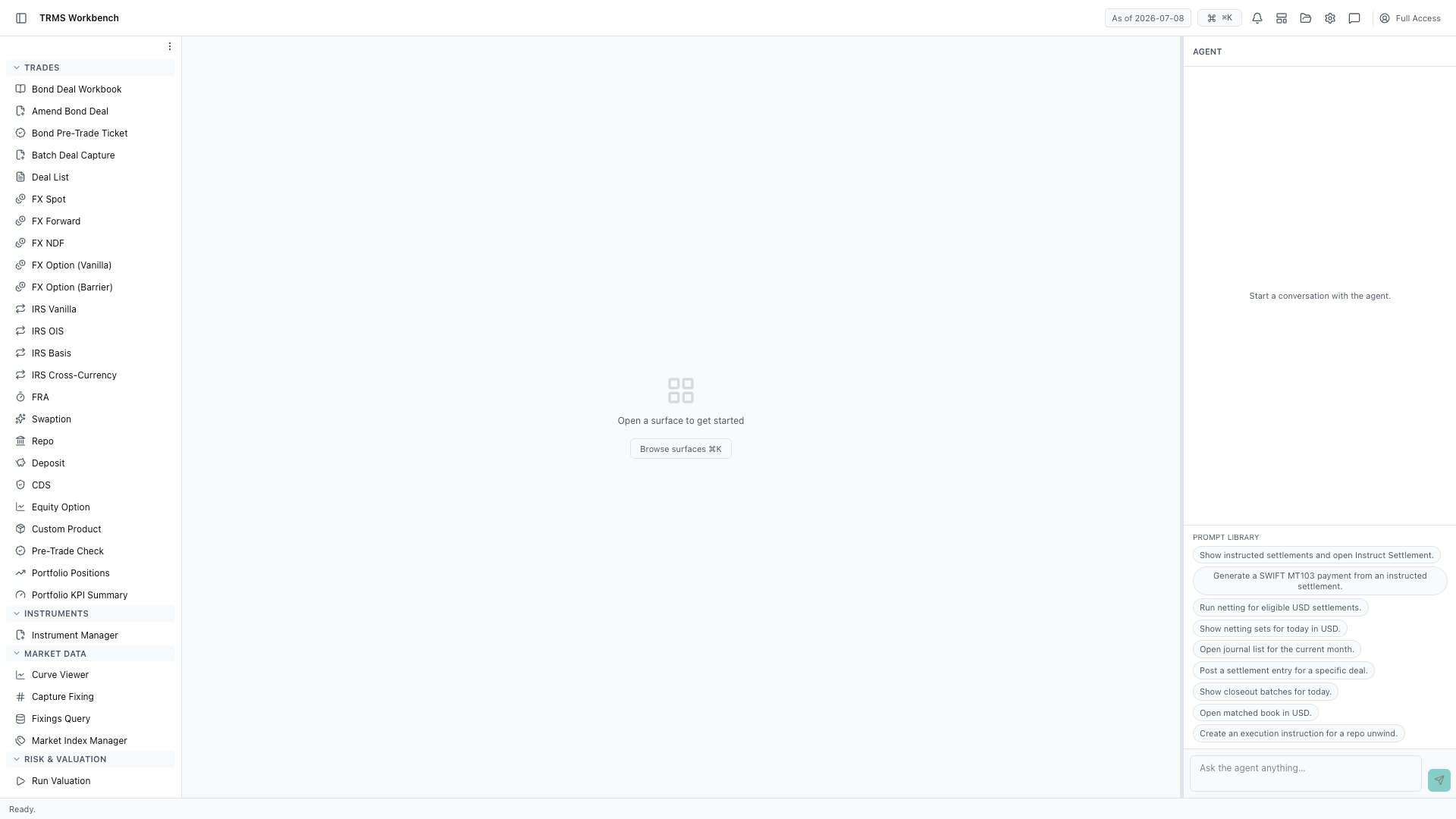
In this walkthrough we'll follow trading activity into the accounting ledger, in the OpenTRMS Workbench.
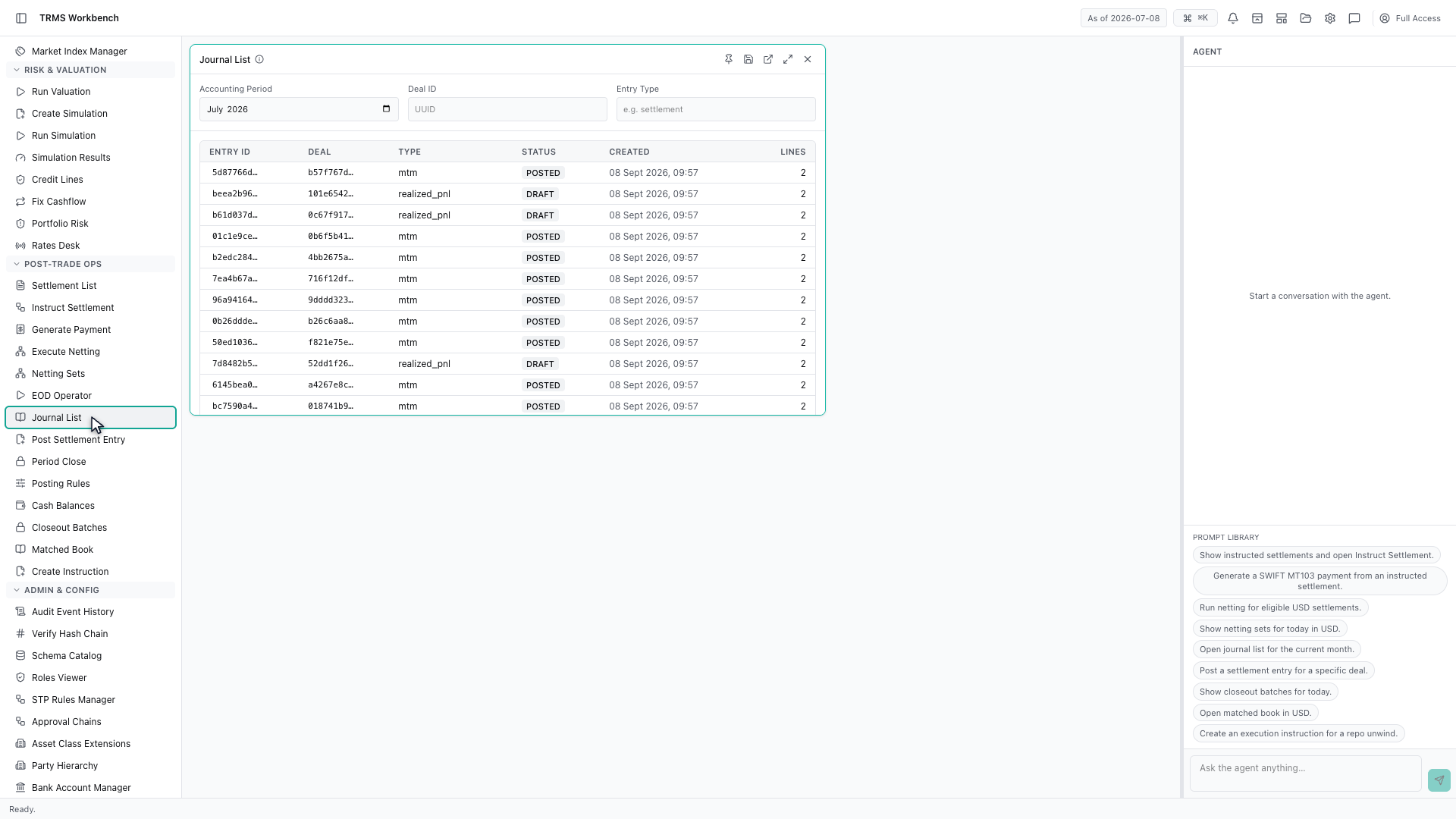
Every trade eventually becomes an accounting entry. The Journal List is where those entries live, and it is the bridge between the trading floor and the ledger.
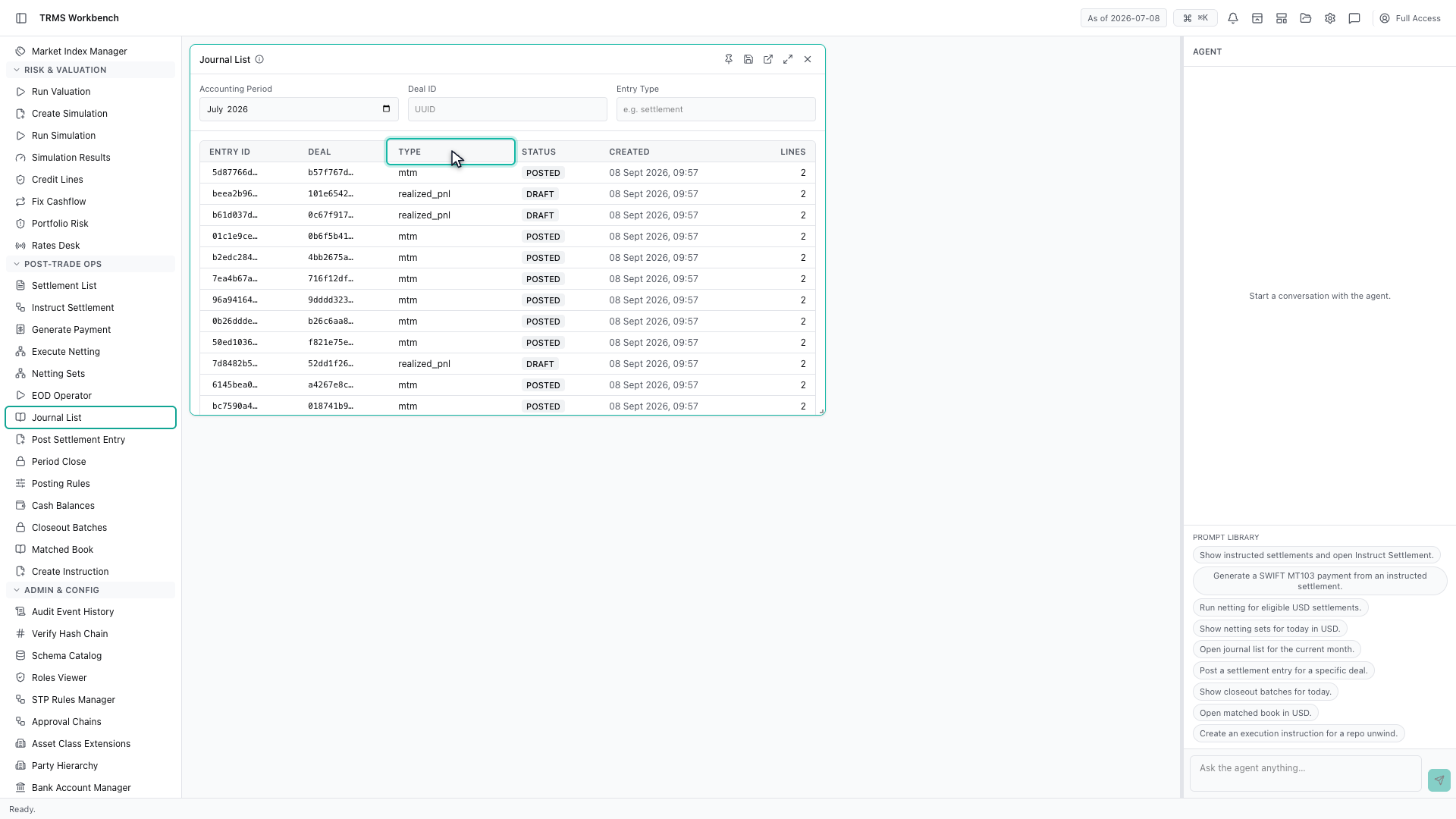
Entries carry a type. Mark to market records a change in value, realized profit and loss records a gain or loss that has actually crystallised.
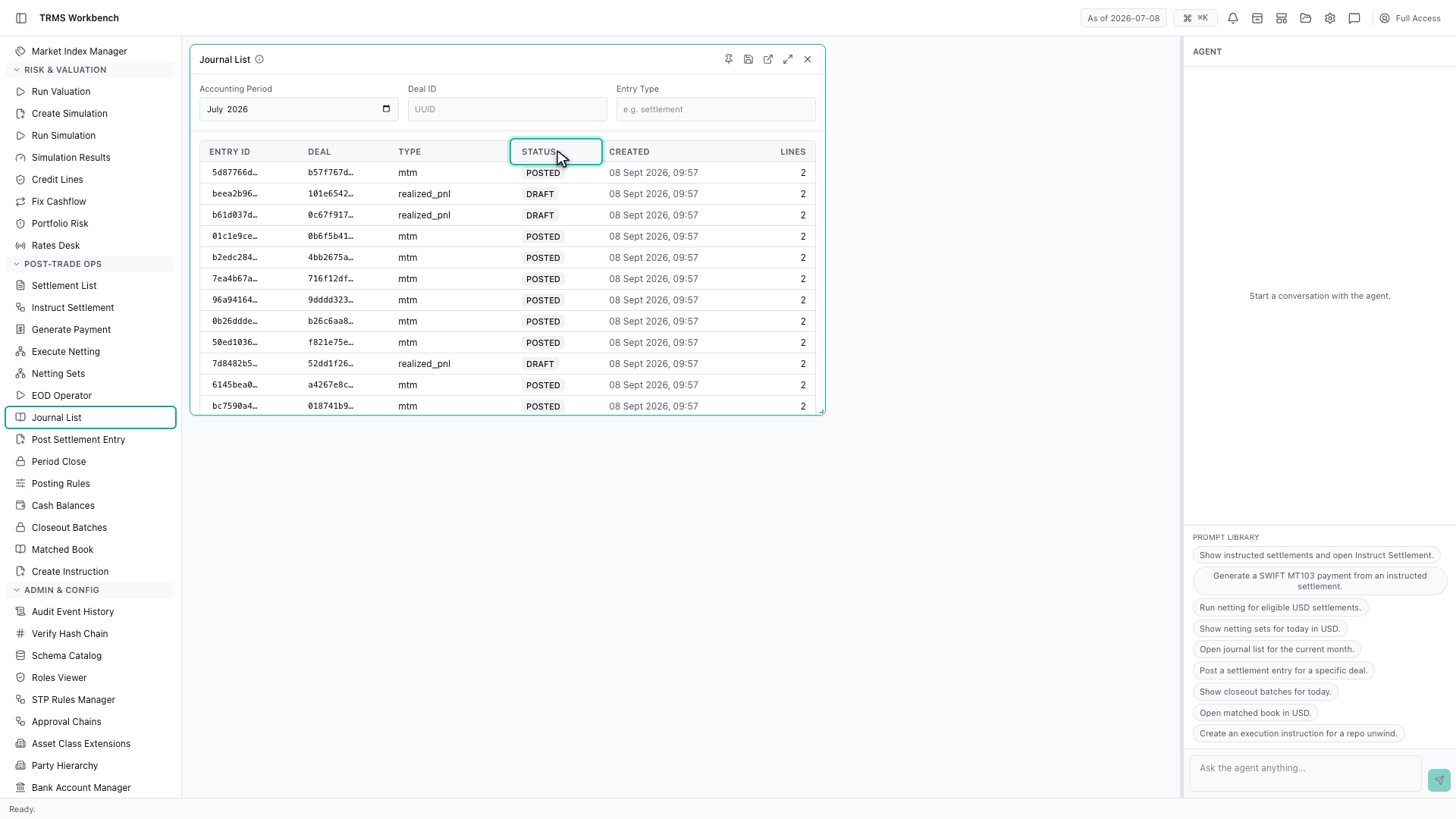
Status matters just as much. A draft entry has been generated but not committed to the ledger, and only posted entries count towards the accounts.
The filters answer the two questions people actually ask — what happened in this accounting period, and what did this particular deal generate.
Opening an entry shows its lines. Every entry balances, so the lines always show a debit against a matching credit.
None of this is typed by hand. Posting Rules is the configuration that generates it — for each product and entry type, which account is debited and which is credited.
That completes Journals and Posting Rules. Every surface shown here can also be opened from the agent panel on the right, by asking for it in plain English.
1. Open the Workbench
In this walkthrough we'll follow trading activity into the accounting ledger, in the OpenTRMS Workbench.
2. Open the Journal List
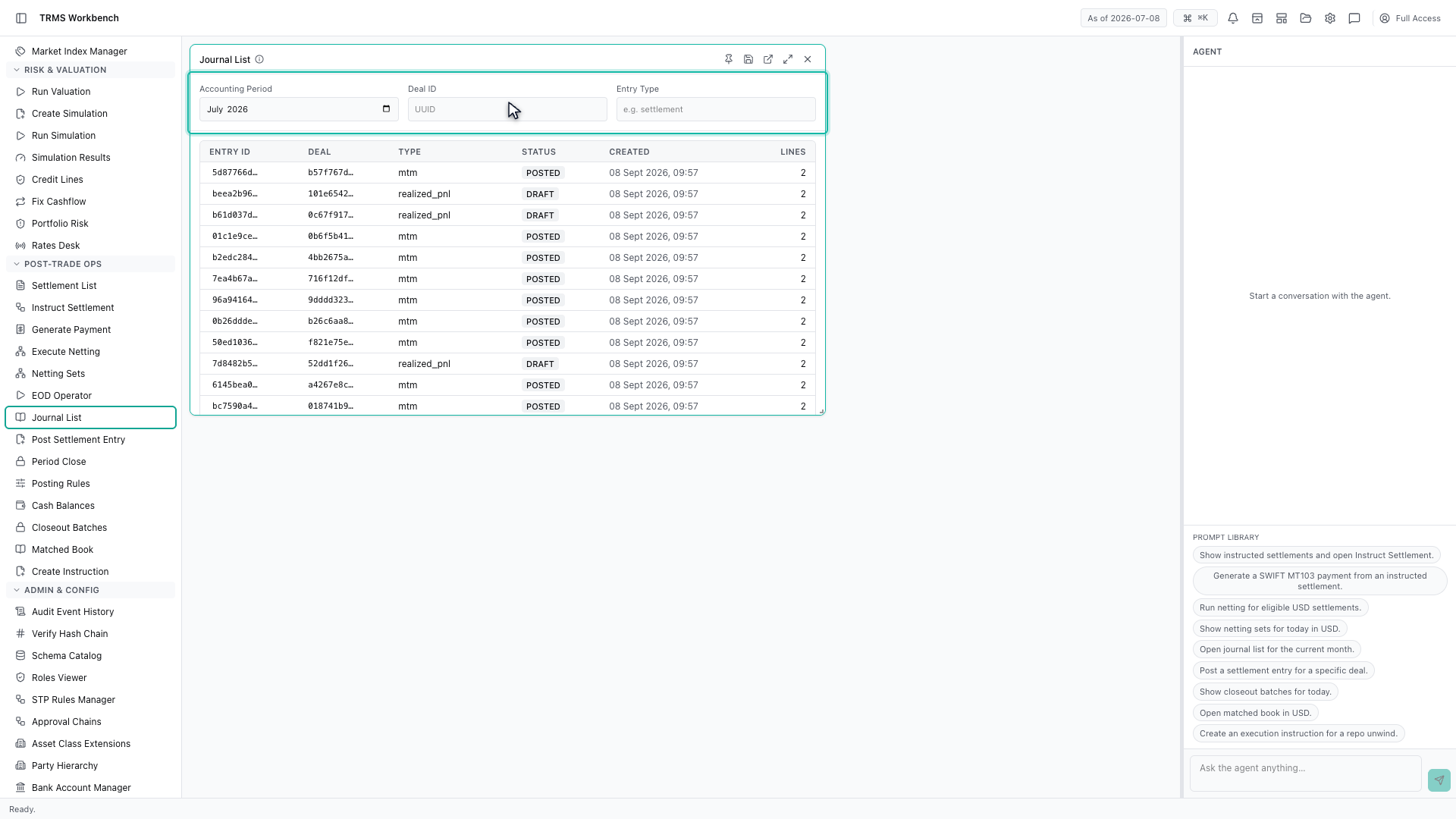
Every trade eventually becomes an accounting entry. The Journal List is where those entries live, and it is the bridge between the trading floor and the ledger.
3. Entry types
Entries carry a type. Mark to market records a change in value, realized profit and loss records a gain or loss that has actually crystallised.
4. Draft and posted
Status matters just as much. A draft entry has been generated but not committed to the ledger, and only posted entries count towards the accounts.
5. Filter by period or deal
The filters answer the two questions people actually ask — what happened in this accounting period, and what did this particular deal generate.
6. Open an entry
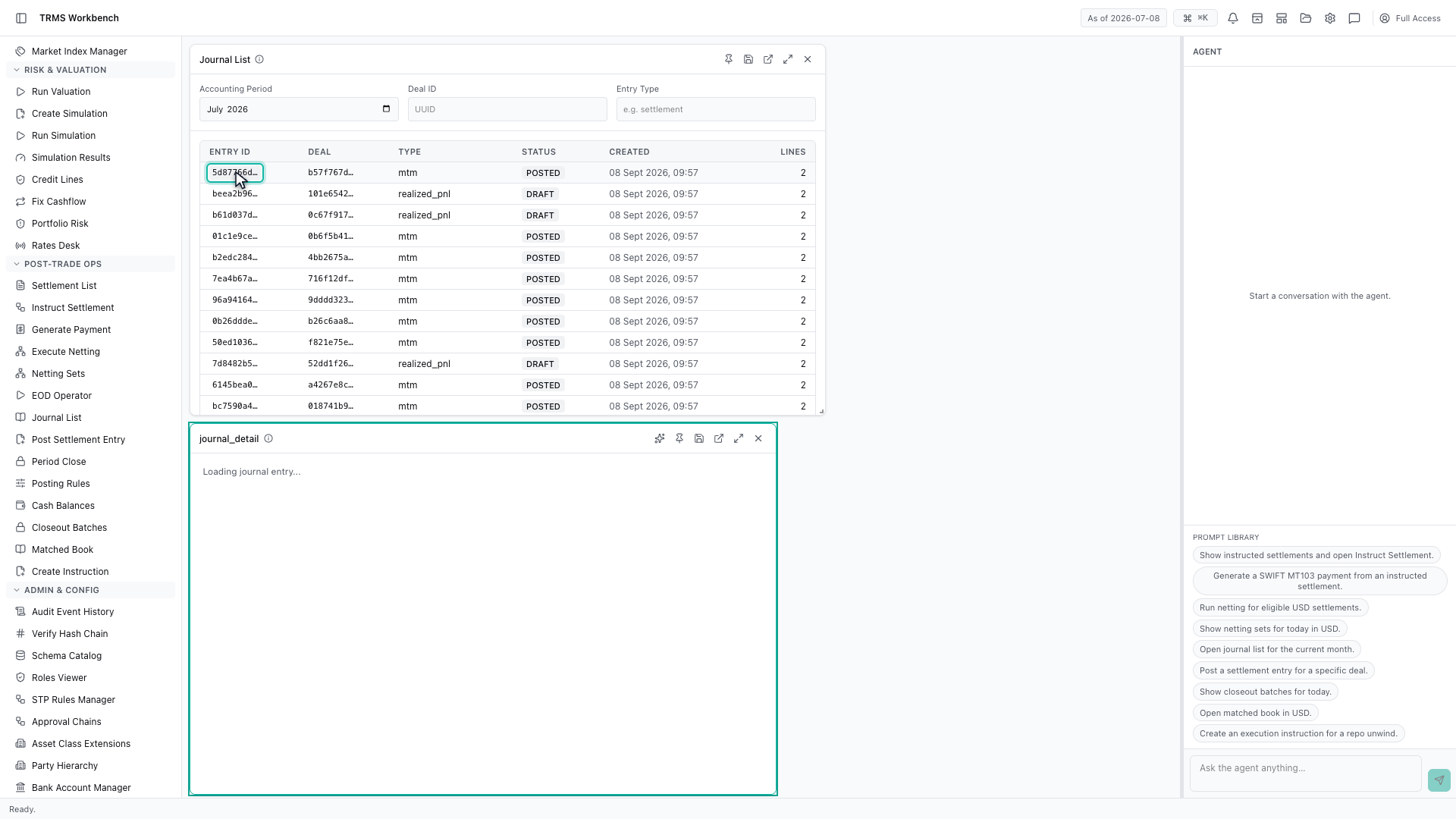
Opening an entry shows its lines. Every entry balances, so the lines always show a debit against a matching credit.
7. The rules behind the entries
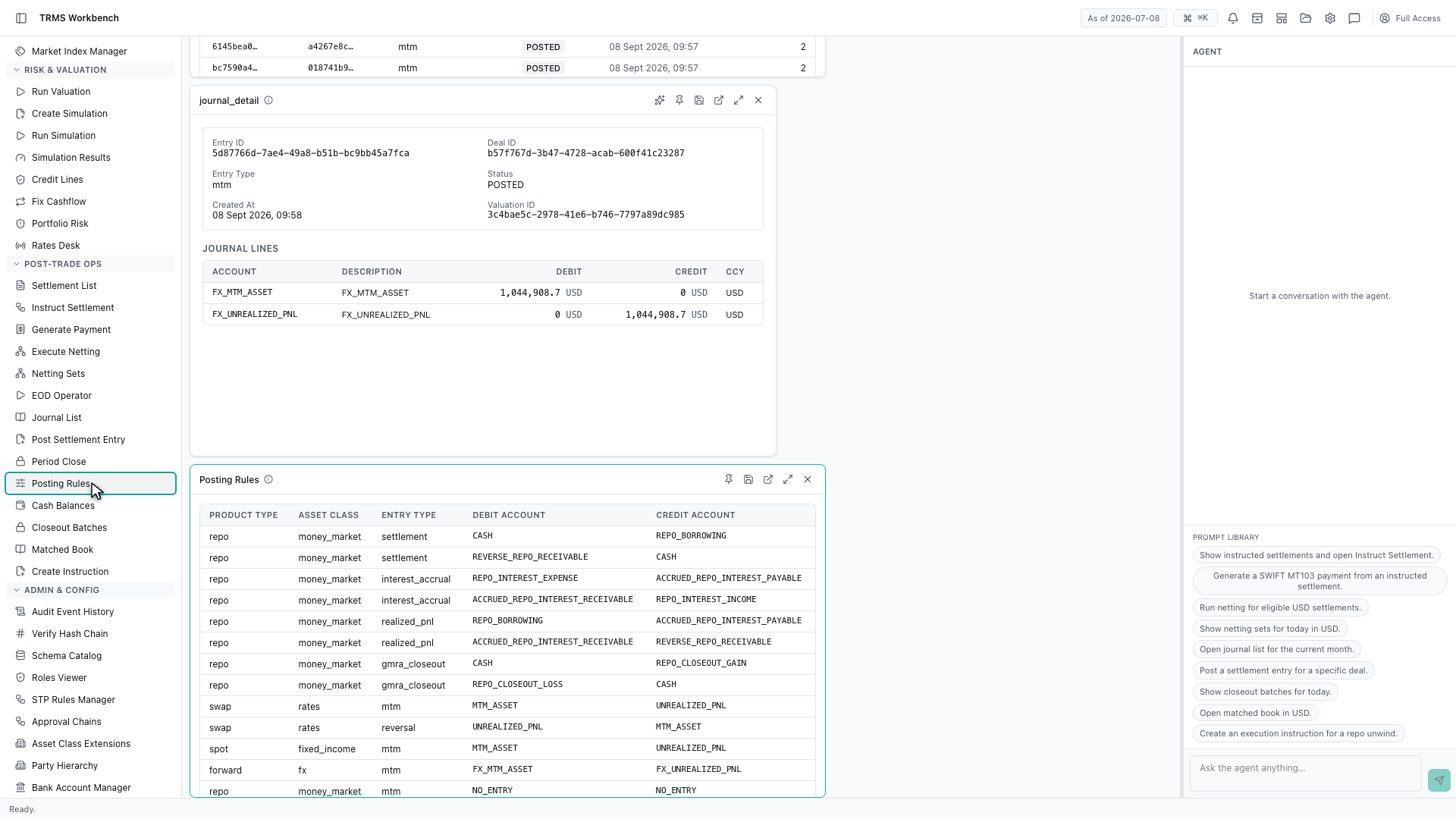
None of this is typed by hand. Posting Rules is the configuration that generates it — for each product and entry type, which account is debited and which is credited.
8. Next steps
That completes Journals and Posting Rules. Every surface shown here can also be opened from the agent panel on the right, by asking for it in plain English.