Netting Settlements
How bilateral netting works in the OpenTRMS Workbench — choosing eligible settlements and reading the netting sets that result.
Transcript1m 19s
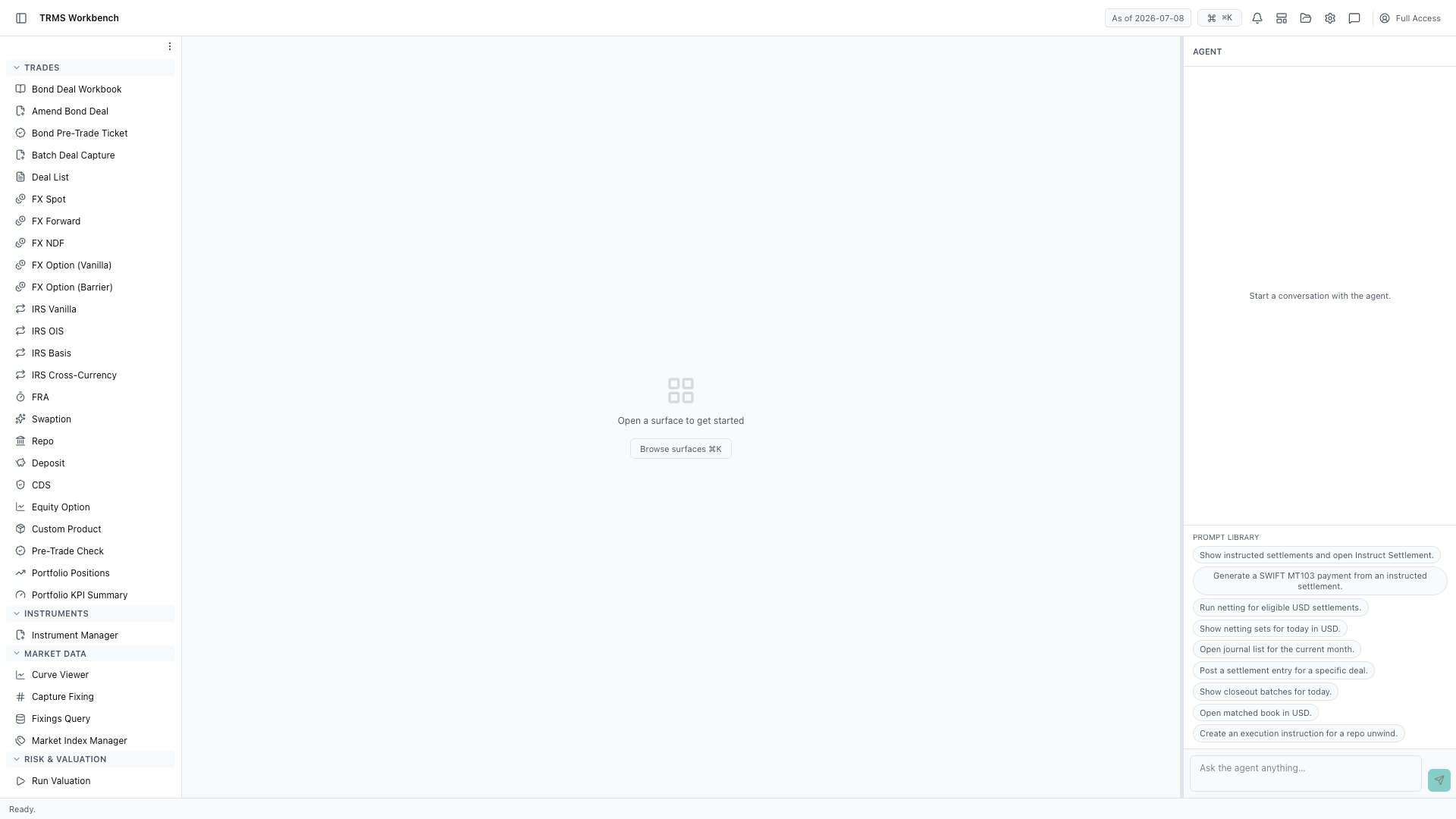
In this walkthrough we'll net settlements down to a single payment, and read the result, in the OpenTRMS Workbench.
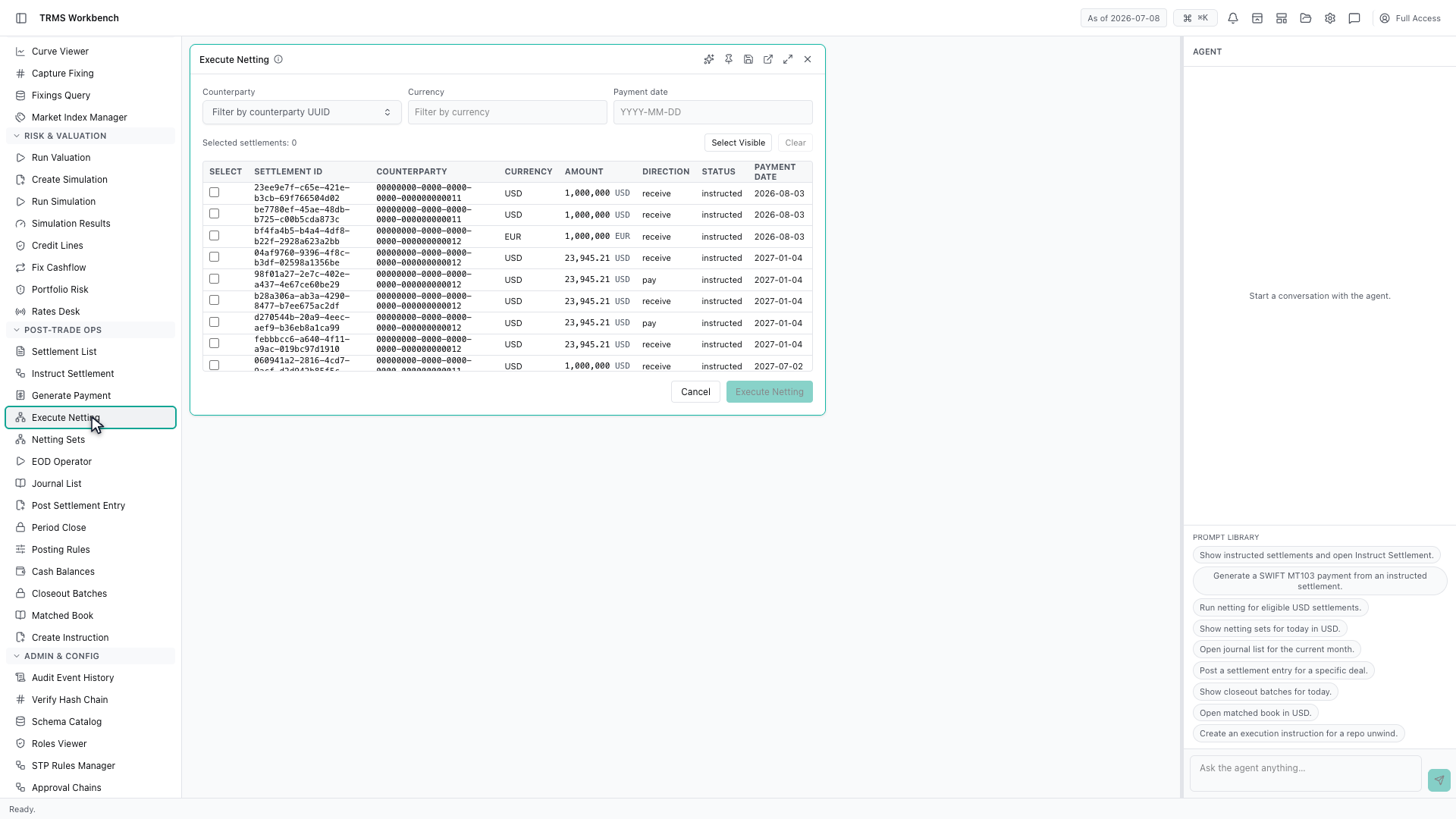
Netting reduces many payments to one. Rather than settling twenty amounts with the same counterparty on the same day, you settle the difference.
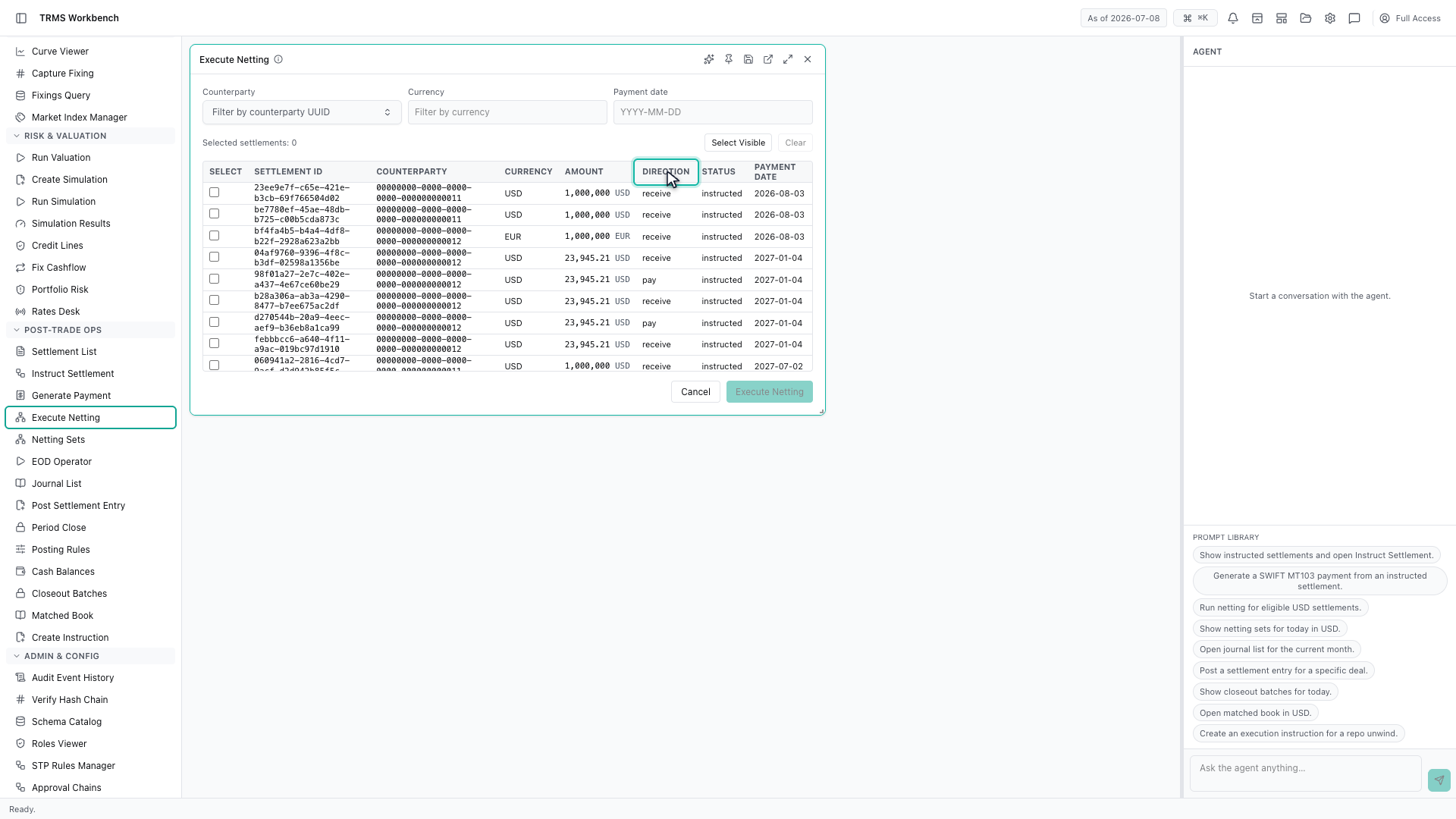
Only eligible settlements are listed. Each row shows the amount and whether it is money going out or coming in, which is what makes netting possible in the first place.
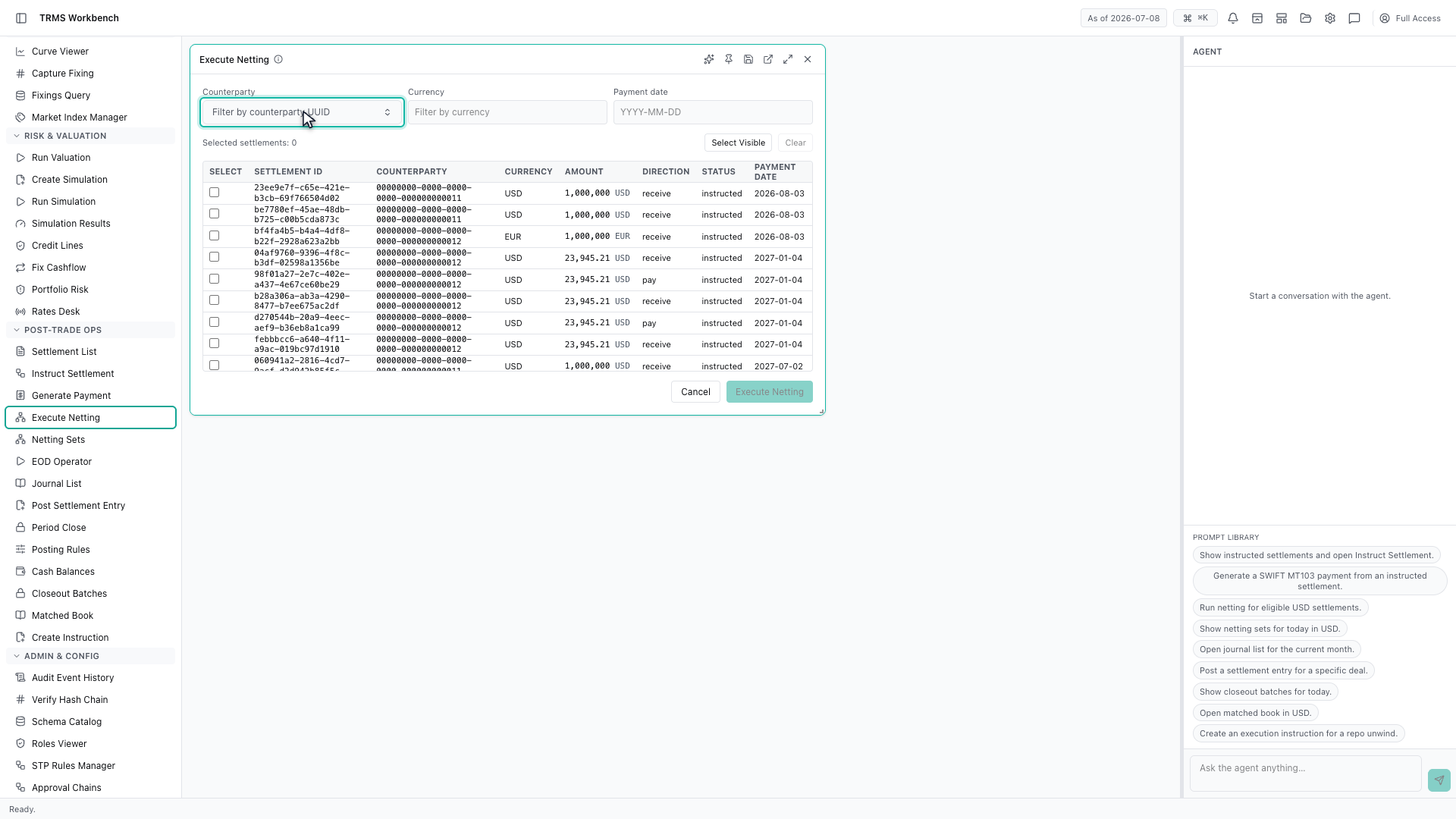
Netting is bilateral, so the counterparty filter comes first. You net against one institution at a time — amounts owed to different counterparties cannot offset each other.
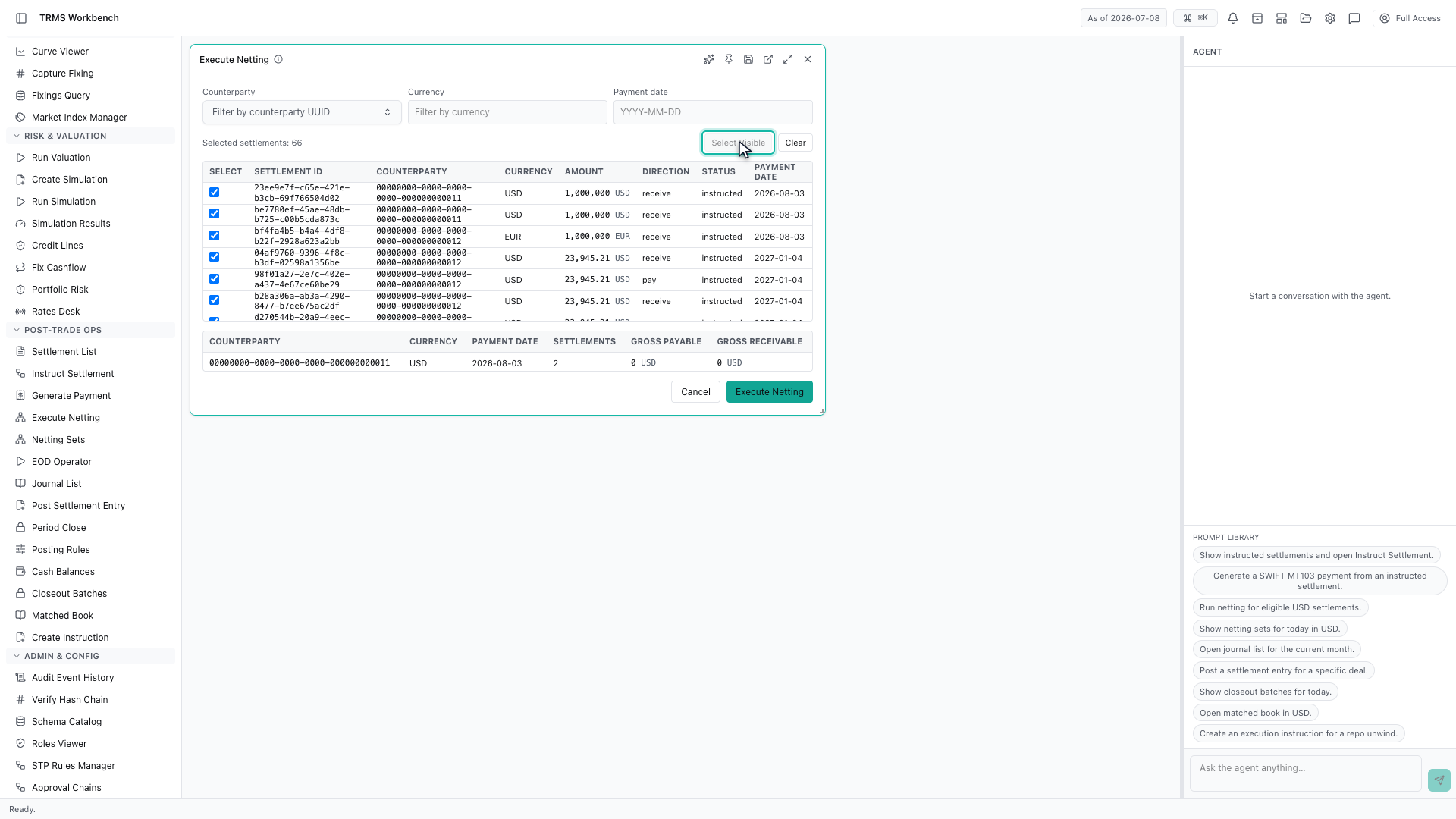
Select Visible takes everything the filters have left on screen, which is quicker than ticking rows one by one, and the count keeps track of what you have chosen.
Executing the netting would create a netting set from that selection.
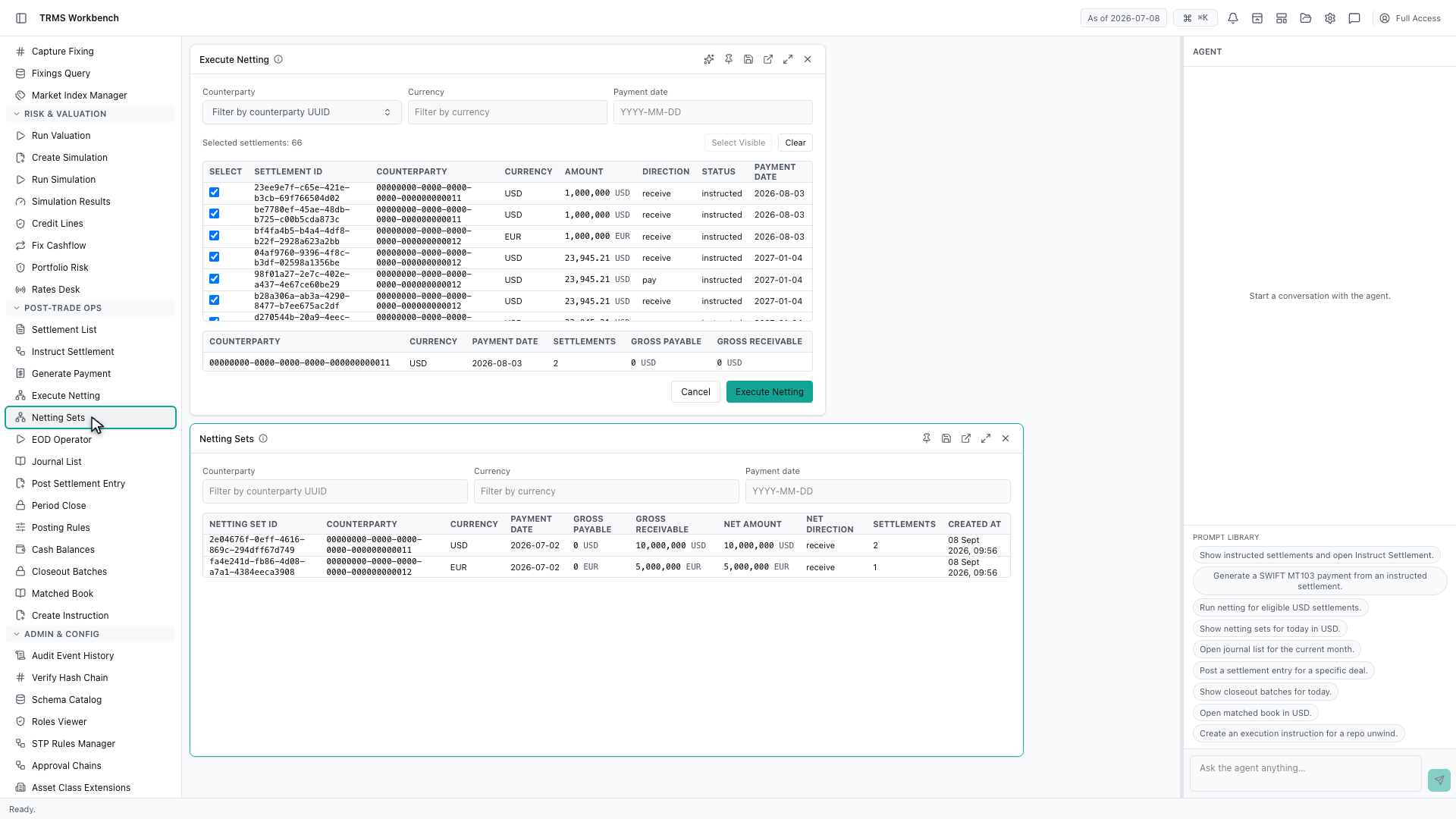
Netting Sets is where the results live. Each set records the gross payable, the gross receivable, and the net amount that will actually move, along with how many settlements it replaced.
That completes Netting Settlements. Every surface shown here can also be opened from the agent panel on the right, by asking for it in plain English.
1. Open the Workbench
In this walkthrough we'll net settlements down to a single payment, and read the result, in the OpenTRMS Workbench.
2. Open Execute Netting
Netting reduces many payments to one. Rather than settling twenty amounts with the same counterparty on the same day, you settle the difference.
3. Eligible settlements only
Only eligible settlements are listed. Each row shows the amount and whether it is money going out or coming in, which is what makes netting possible in the first place.
4. Net against one counterparty
Netting is bilateral, so the counterparty filter comes first. You net against one institution at a time — amounts owed to different counterparties cannot offset each other.
5. Select the eligible items
Select Visible takes everything the filters have left on screen, which is quicker than ticking rows one by one, and the count keeps track of what you have chosen.
6. Execute the netting
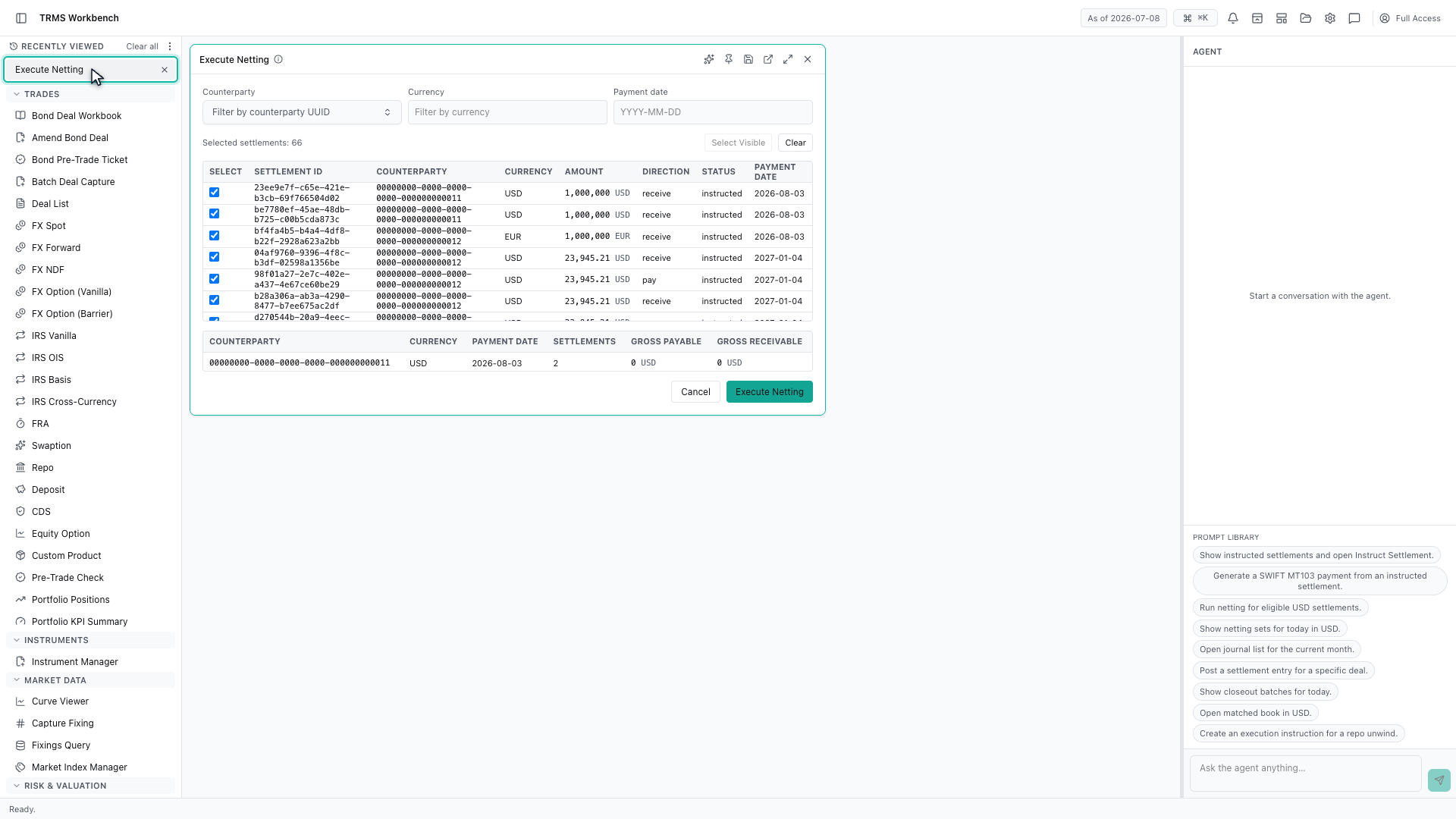
Executing the netting would create a netting set from that selection.
7. Read the netting sets
Netting Sets is where the results live. Each set records the gross payable, the gross receivable, and the net amount that will actually move, along with how many settlements it replaced.
8. Next steps
That completes Netting Settlements. Every surface shown here can also be opened from the agent panel on the right, by asking for it in plain English.